Use Thunderbird to fetch your Outlook 365 emails
Monday 15 December 2025 Thibault Debatty 3699 views
https://cylab.be/blog/463/use-thunderbird-to-fetch-your-outlook-365-emails
So your emails are hosted on Outlook 365? No problem, you can still use your favorite mail client Thunderbird to read and reply, thanks to the Owl extension!
Moreover, next to emails, the Owl extension allows to synchronize you Calendar and address books. There is even support for teams chats directly inside Thunderbird. Finally, Owl also supports multi-factor authentication (MFA).
Installation
In Thunderbird, open menu > Add-ons and Themes
Search Owl for Exchange
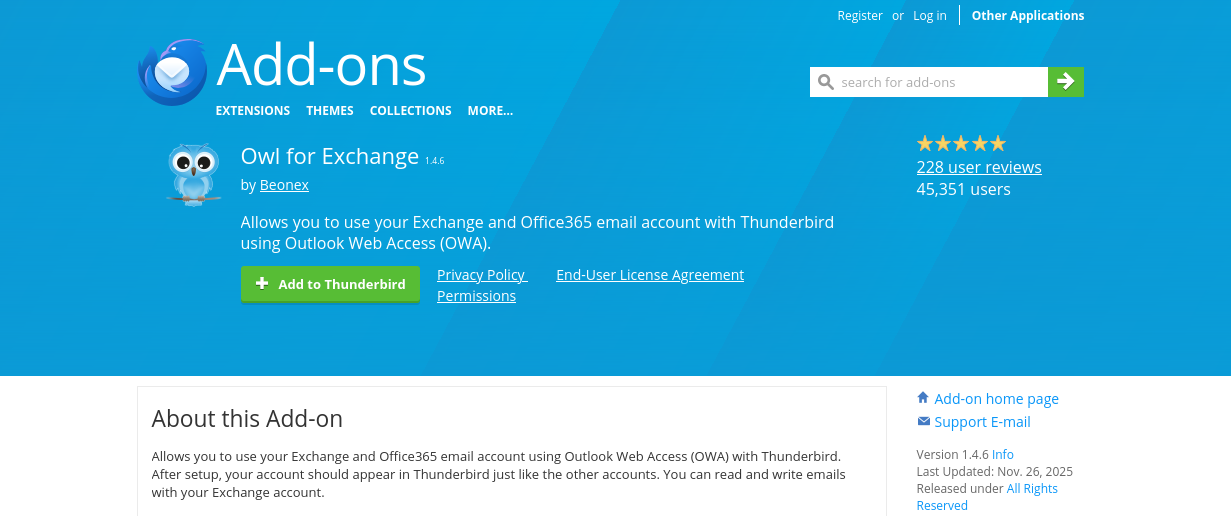
Click on Add to Thunderbird
Account configuration
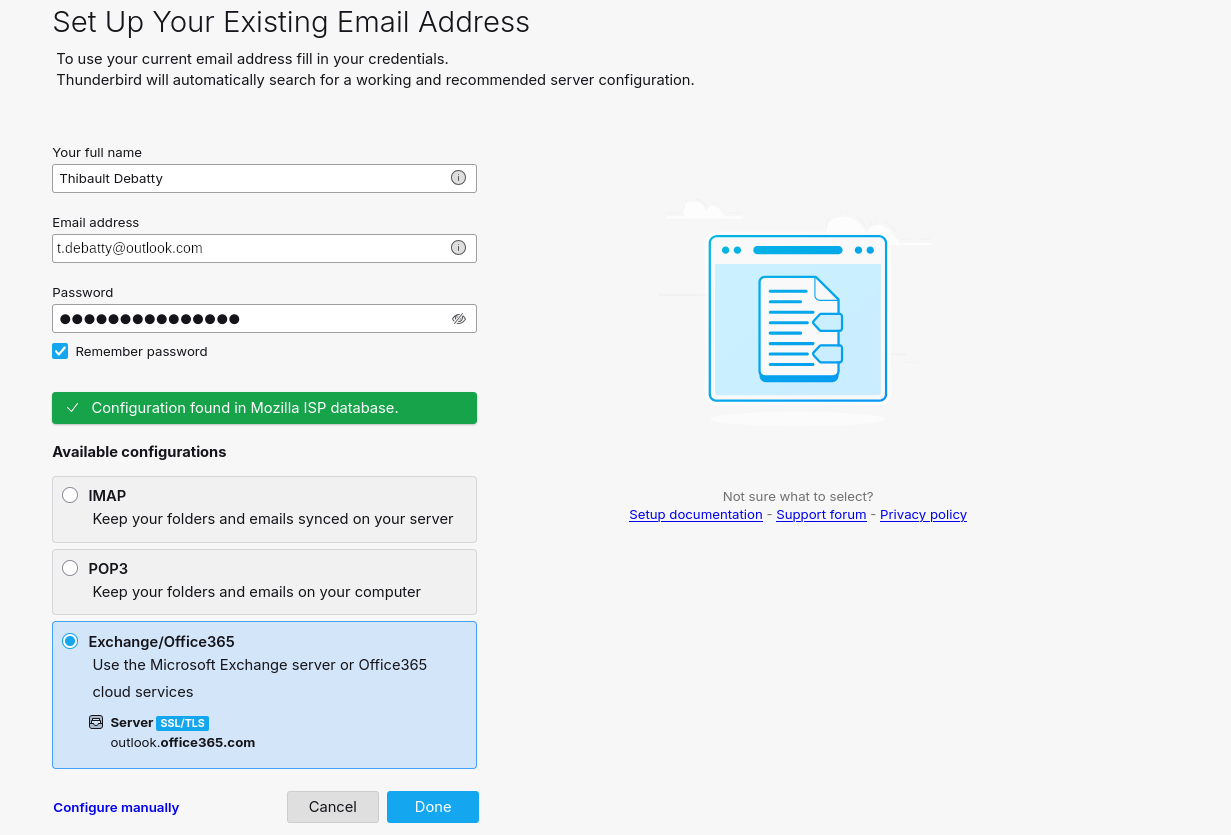
Now get back to the main window of Thunderbird and open menu > Account Settings then click on New Account.
Fill your email address and password. This time a new entry will appear in the list of available configurations: Exchange/Office365
Pricing
Owl is actually a paid extension, but the very modest price of 10€/year is totally worth it!
This blog post is licensed under
CC BY-SA 4.0


