Connect Thunderbird to your Nextcloud calendar
Monday 15 December 2025 Thibault Debatty 3694 views
https://cylab.be/blog/464/connect-thunderbird-to-your-nextcloud-calendar
You have a NextCloud calendar and want to manage your calendar with Thunderbird? No problem, here is how…
App password
First we will create a new app password. This is a good security habit, and is mandatory if your NextCloud instance is configured with multi-factor authentication (MFA).
In your browser, connect to your NextCloud instance, open the menu at the top right corner and click on Personal settings.
In the left sub-menu select Security then scroll down to Devices & sessions. Here you can create a new dedicated app password.
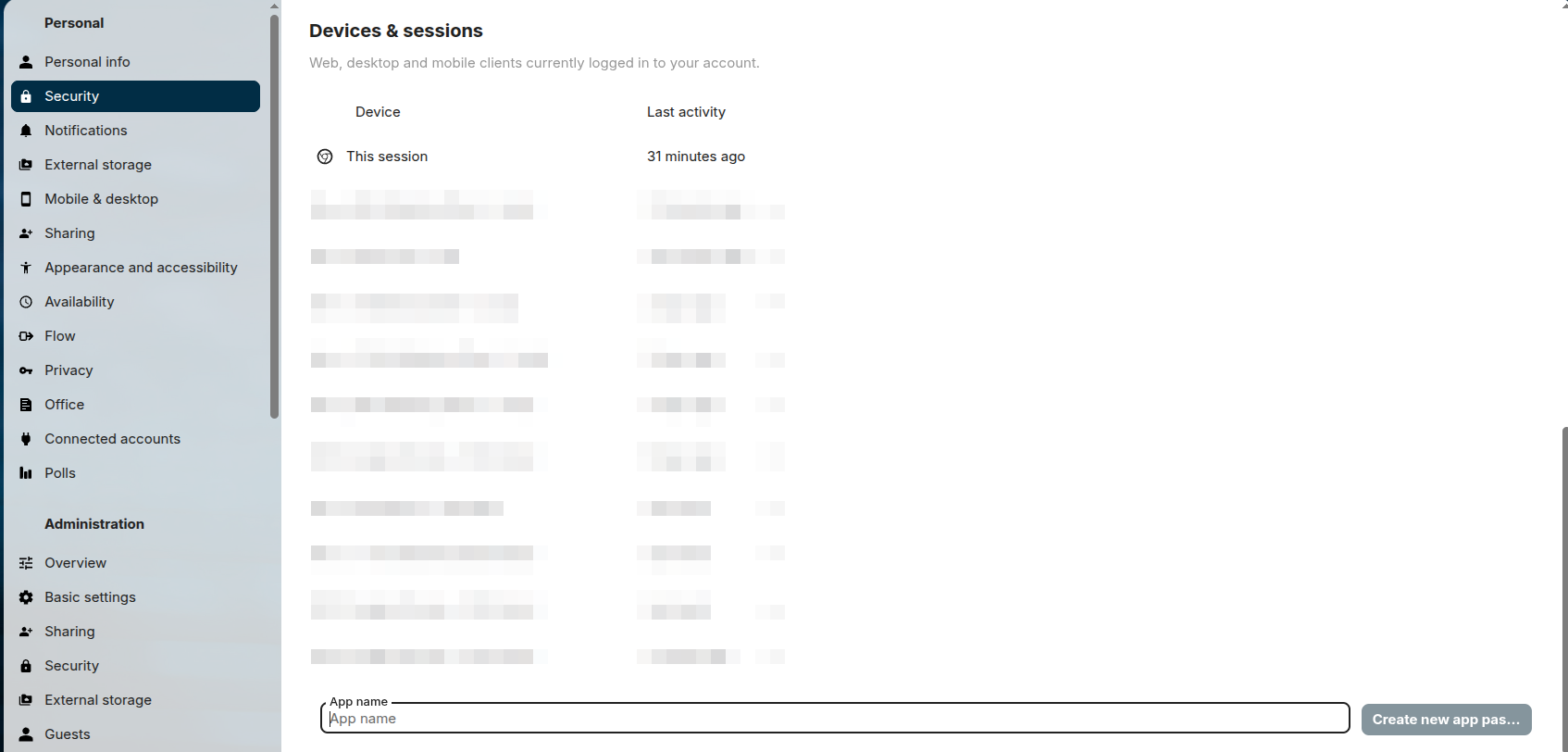
Don’t forget to copy the random password as it will only appear once!
Thunderbird
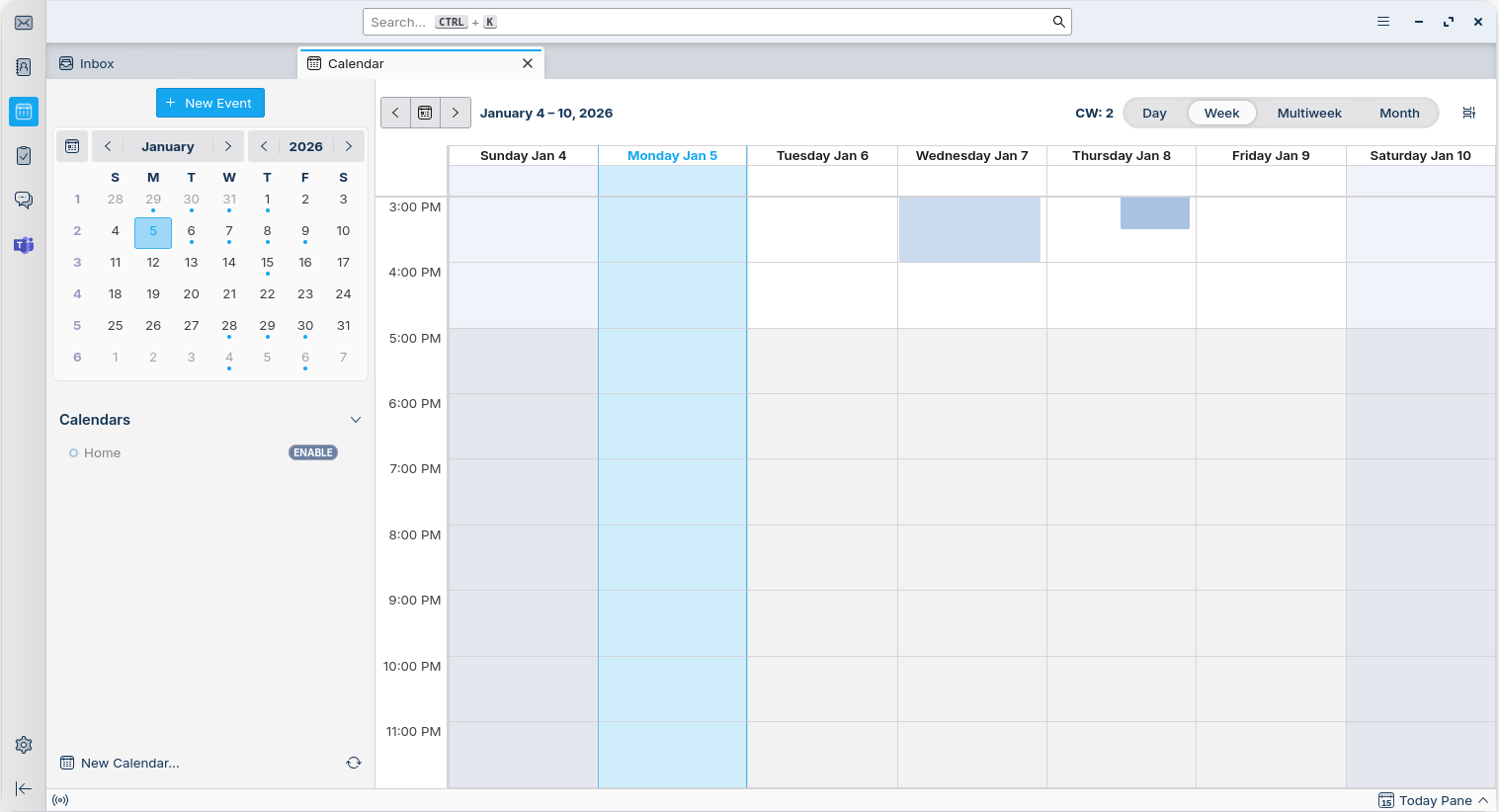
In Thunderbird, open the calendar view, and click on New Calendar at the bottom left.
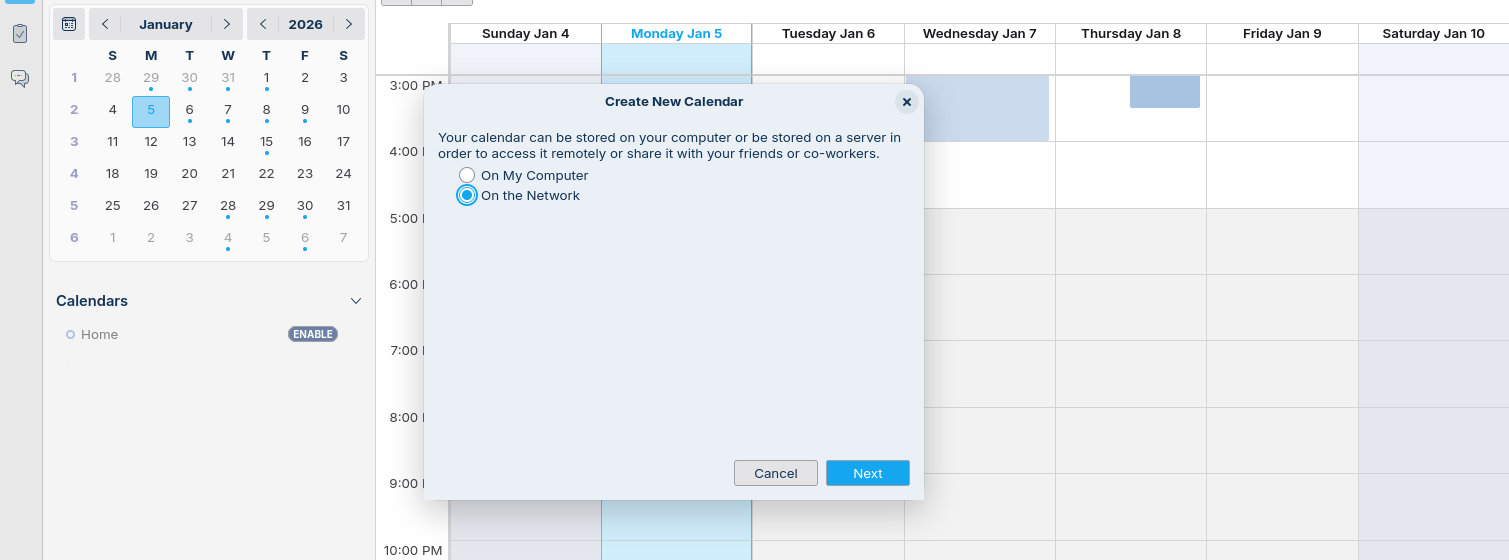
In the window that appears, select On the Network
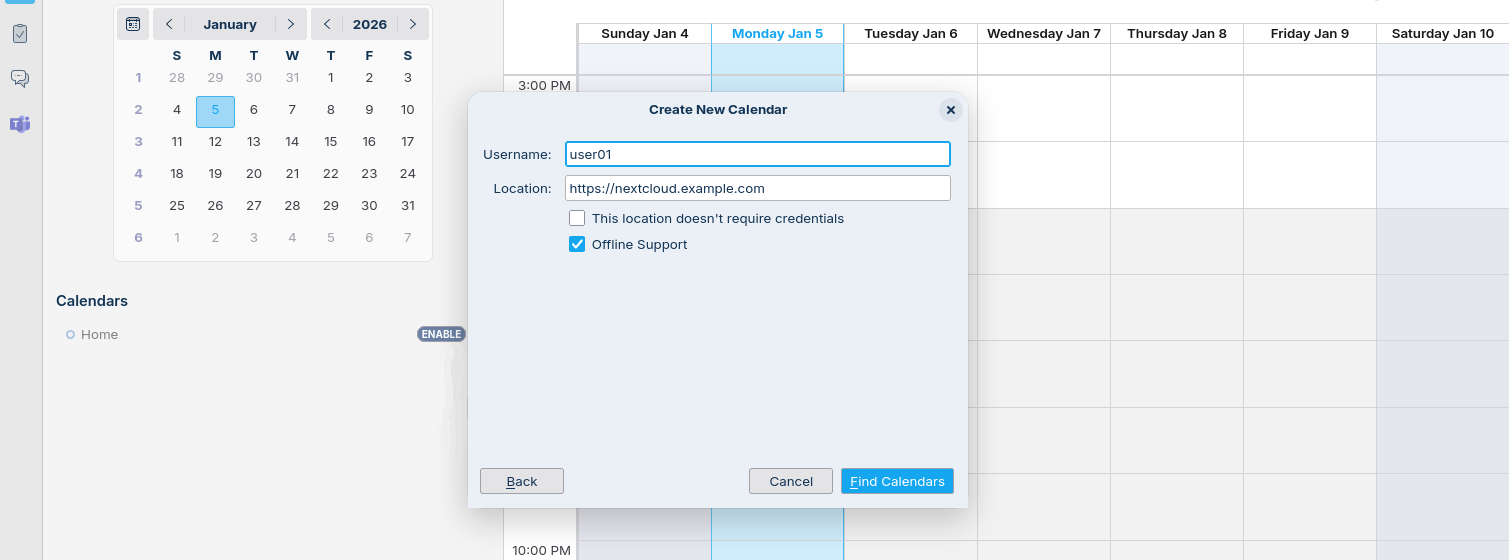
Finally, enter your username, the URL of your NextCloud instance, and the password you just created. Thunderbird will automatically fetch the list of available calendars and let you choose what to synchronize…
This blog post is licensed under
CC BY-SA 4.0


