Containers & Sandboxes through Linux Lenses
Monday 7 September 2026 Zacharia Mansouri 1397 views
Linux Containers C Docker eBPF
https://cylab.be/blog/523/containers-sandboxes-through-linux-lenses
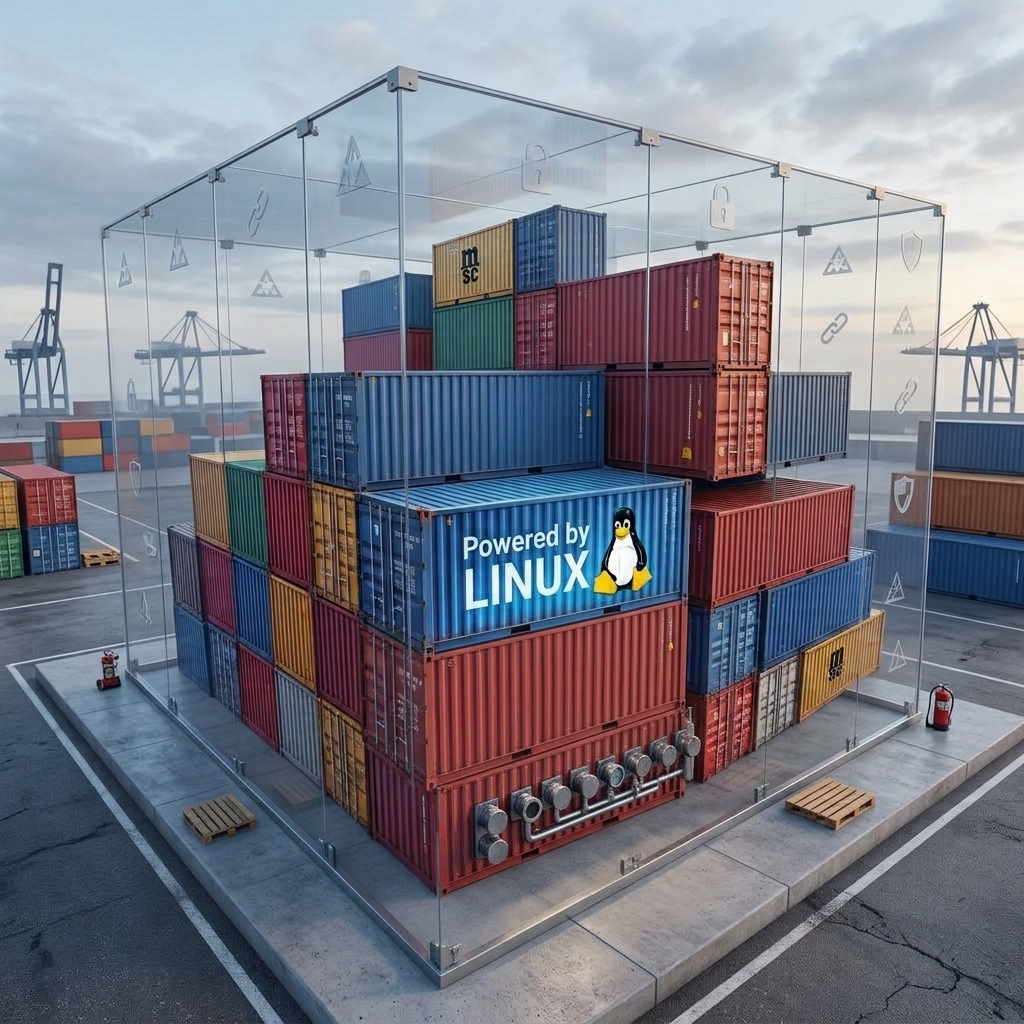
Most of us use Docker every day without knowing what’s happening under the surface. We treat it like a miniature virtual machine but, if you strip away the classical wrappers, you realize that a container isn’t a VM at all and doesn’t manage security the same way. In order to better understand these concepts, we will build a lightweight container and sandbox from scratch in C.
If you want to learn how to build a more complete custom Linux container using Linux-native tools only, have a look at that blogpost first.
The Difference
People often mistakenly rely on Docker for security. However, as stated in this, plain Docker, running directly on the host, is usually not considered to be a security boundary. The technology behind Linux containers is namespaces. They represent a subset of actual kernel entities to a process. On top of that, sandbox technology uses BPF and seccomp to implement security policies acting as a syscall firewall.
A Linux container is an illusion of a standalone operating system and combines processes, namespaces, cgroups and chroot.
- Namespaces give the process a private view of the system (e.g., thinking it is PID 1 or that it has its own network interface).
- Cgroups manage resource accounting (limiting RAM and CPU).
- Chroot (now pivot_root) confines the process to a specific directory tree.
A Linux sandbox can be seen as a set of restraints applied to a process and combines capabilities, Linux Security Modules (LSMs) and seccomp (Secure Computing mode) rules.
- Capabilities strips away root privileges piece by piece (e.g., blocking the ability to change the system clock or load kernel modules).
- LSMs such as SELinux and AppArmor enforce mandatory access control on regular files and sockets.
seccompblocks the process from making dangerous system calls to the kernel.
When you run docker run, Docker doesn’t simply create a container. It creates a container and then immediately locks it inside a sandbox. It applies a default seccomp profile blocking some syscalls, drops default capabilities, enforces an AppArmor profile and SELinux policies. If you run docker run --privileged, Docker disables seccomp, LSMs and capabilities. You get an isolated view, but not a sandbox. If the process is compromised, it can easily break out and manipulate the host. Web browsers like Firefox and Chrome use seccomp, capabilities and lightweight namespaces (not a full container environment) to sandbox their rendering tabs directly on the host, ensuring malicious JavaScript code cannot read your host files.
A Container (in C)
To see namespaces in action, let’s build a minimalist container into a file named container.c. We will use the clone() system call, which is similar to fork(), but allows us to specify which namespaces the child process should share or isolate.
By passing the CLONE_NEWPID flag, we give the new process a completely private PID namespace.
#define _GNU_SOURCE
#include <sched.h>
#include <stdio.h>
#include <stdlib.h>
#include <sys/wait.h>
#include <unistd.h>

#define STACK_SIZE (1024 * 1024)

// This function runs inside our new container
static int child_fn(void *arg) {
    printf("[Container] PID = %d\n", getpid());
    return 0;
}

int main() {
    printf("[Host] PID = %d\n", getpid());

    // Allocate memory for the child's stack
    char *stack = malloc(STACK_SIZE);
    if (!stack) {
        perror("malloc");
        exit(1);
    }

    // clone() creates the new process with its own isolated PID namespace
    pid_t pid = clone(child_fn, stack + STACK_SIZE, CLONE_NEWPID | SIGCHLD, NULL);

    if (pid == -1) {
        perror("clone");
        exit(1);
    }

    printf("[Host] Child (container) PID = %d\n", pid);

    // Wait for the container to exit
    waitpid(pid, NULL, 0);
    printf("[Host] Container exited.\n");

    free(stack);
    return 0;
}
Creating namespaces requires root privileges, so you must run this with sudo:
gcc container.c -o container
sudo ./container
Output:
[Host] PID = 919758
[Host] Child (container) PID = 919759
[Container] PID = 1
[Host] Container exited.
That output below illustrates the container illusion: the host kernel knows the child process is a standard process (PID 919759). But because of the isolated namespace, the child process “thinks” it has PID 1. Note that while this process is isolated from the rest of the process tree, it is not restricted. Indeed, it could still execute any system call, allocate memory and open files.
A Seccomp Sandbox (in C)
To see sandboxing in action, we will focus on restriction only. Instead of changing what the process can see, we use seccomp to dictate what system calls the process is allowed to make to the Linux kernel.
We will use the prctl() system call into the sandbox.c file below to place our process into strict seccomp mode. Once active, the kernel will only permit four system calls: read(), write(), exit() and sigreturn(). If the process attempts anything else, the kernel will instantly terminate it.
#include <stdio.h>
#include <stdlib.h>
#include <unistd.h>
#include <sys/prctl.h>
#include <linux/seccomp.h>
#include <sys/syscall.h>

int main() {
    printf("[Process] Starting up.\n");

    // Enable strict seccomp mode.
    // Allowed syscalls: read(), write(), exit(), sigreturn()
    printf("[Process] Entering strict sandbox...\n");
    if (prctl(PR_SET_SECCOMP, SECCOMP_MODE_STRICT) == -1) {
        perror("prctl failed");
        exit(1);
    }

    // We can still write to standard output because write() is
    // allowed and is the syscall used by printf under the hood.
    printf("[Sandbox] Attempting to open /etc/passwd...\n");

    // fopen() triggers the openat() system call which is
    // explicitly forbidden in strict seccomp mode.
    FILE *f = fopen("/etc/passwd", "r");

    if (f) {
        printf("[Sandbox] File opened.\n");
        fclose(f);
    }

    // The kernel will terminate the process before this ever runs.
    printf("[Sandbox] You should not see this message.\n");

    return 0;
}
Unlike creating namespaces, restricting your own privileges does not require root access. Any standard process can restrict them and place itself into a sandbox:
gcc sandbox.c -o sandbox
./sandbox
Output:
[Process] Starting up.
[Process] Entering strict sandbox...
[Sandbox] Attempting to open /etc/passwd...
zsh: killed     ./sandbox
Here, the process isn’t running in an isolated namespace. It can theoretically “see” the host’s /etc/passwd file perfectly fine. However, the moment fopen() asks the kernel to execute the openat syscall, the seccomp firewall intercepts the request and the kernel instantly terminates the process with a SIGKILL, providing a hard security boundary.
Conclusion
When you strip away the marketing jargon, the distinction at the kernel level is clear: containers use namespaces to build an isolated illusion of where a process lives, while sandboxes use tools like seccomp to enforce strict rules on what a process can actually do. While containers are perfect for preventing dependency conflicts, only the hard restrictions of a sandbox can safely contain untrusted code. Modern runtimes like Docker wrap the namespace in a default syscall firewall to provide basic defense (unless you use the --priviliged flag). But running truly untrusted code safely always requires hardening those defaults into strict security boundaries (a true sandbox).
References
- https://github.com/google/sandboxed-api/issues/41
- https://lukasatkinson.de/2017/linux-containers/
- https://cheatsheetseries.owasp.org/cheatsheets/Docker_Security_Cheat_Sheet.html#rule-6-use-linux-security-module-seccomp-apparmor-or-selinux-for-runtime-security
This blog post is licensed under
CC BY-SA 4.0


