Pip, pipx, pipenv ... what the pip?
Wednesday 17 December 2025 Thibault Debatty 4658 views
Having trouble with Python pip? Here is a crash course on pip and its cousins!
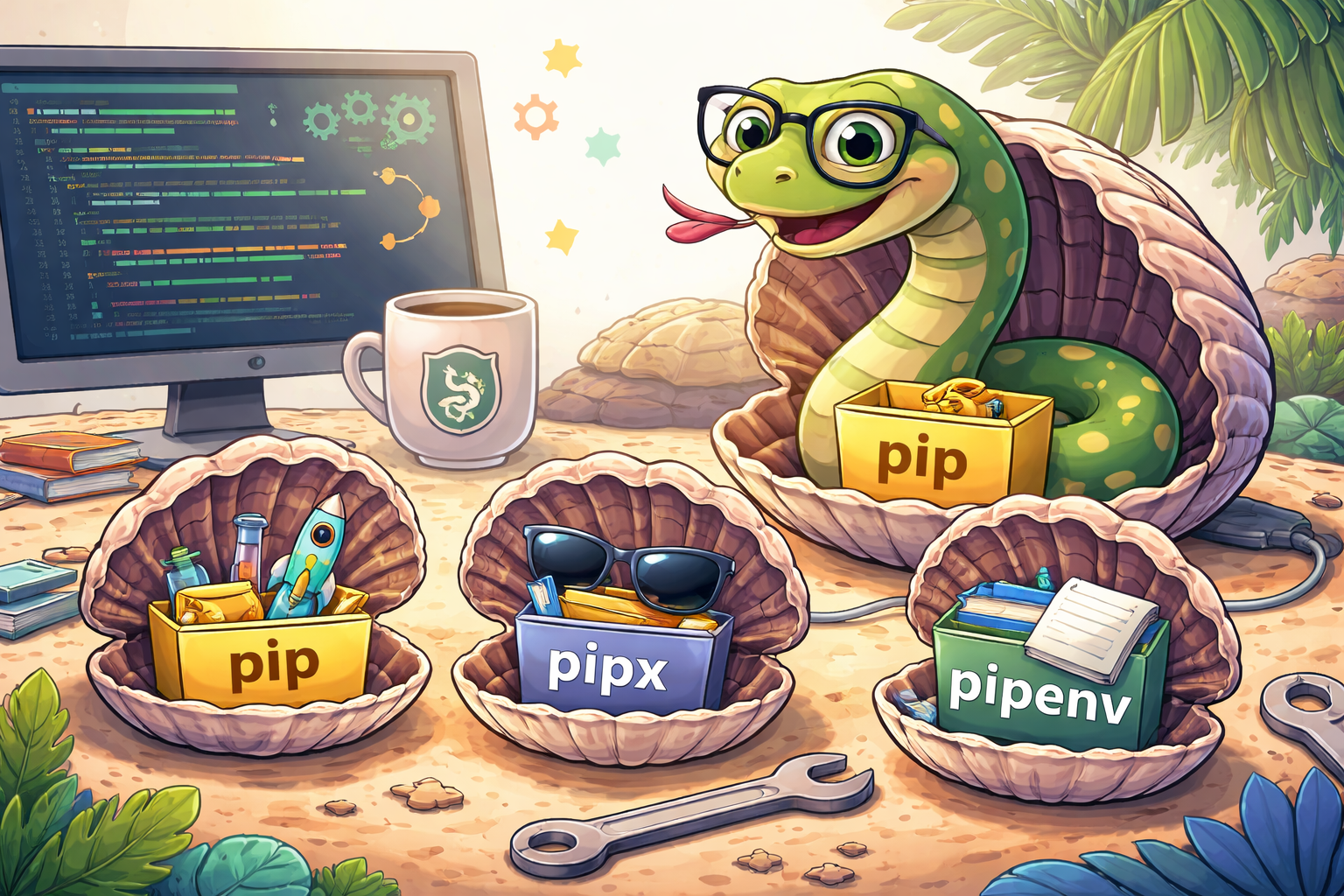
pip is the default Python package installer that can be used for to install libraries and dependencies:
pip install somepackage
or, if you have a list of required packages for your project:
pip install -r requirements.txt
Dependency hell, again!
But, how to manage version conflicts? Indeed, you will run into version conflicts because you can also install python libraries using the package manager of you Linux distro. For example with something like:
sudo apt install python3-somepackage
which would install a different version of the same package. But pip will warn you about this with a cryptical message This environment is externally managed
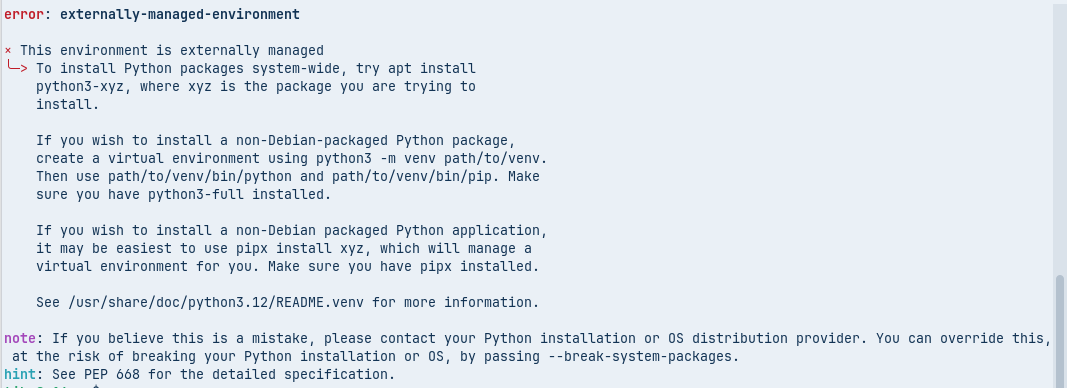
Moreover, different project may require different versions of the same library, which would also lead to version conflicts.
Environments to the rescue
To escape hell, Python has environments. A Python environment allows to isolate libraries and even a specific version of Python. This isolation prevents conflicts between different projects that might require different versions of the same package and avoids modifying or breaking the global Python environment.
But working manually with environments is not convenient, so we need 2 more tools: pipx and pipenv.
Python CLI tools : pipx
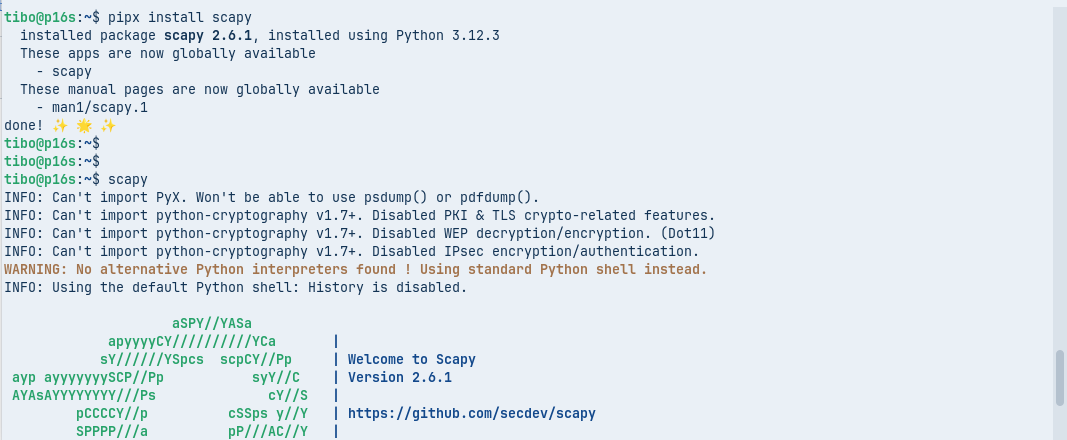
pipx is a specialized tool designed specifically for installing and running Python applications that provide command-line interfaces (CLI). It automatically creates an isolated virtual environment for each application, ensuring that its dependencies do not conflict with those of other tools or projects.
For example:
pipx install scapy
Python projects : pipenv
Similar, but different, pipenv is aimed at managing dependencies for Python projects. It combines the functionality of pip and virtualenv into a single, user-friendly interface.
The easiest way to install pipenv is … did you guess? pipx
pipx install pipenv
Now here is how to start a Python project with pipenv:
mkdir project
cd project
pipenv install
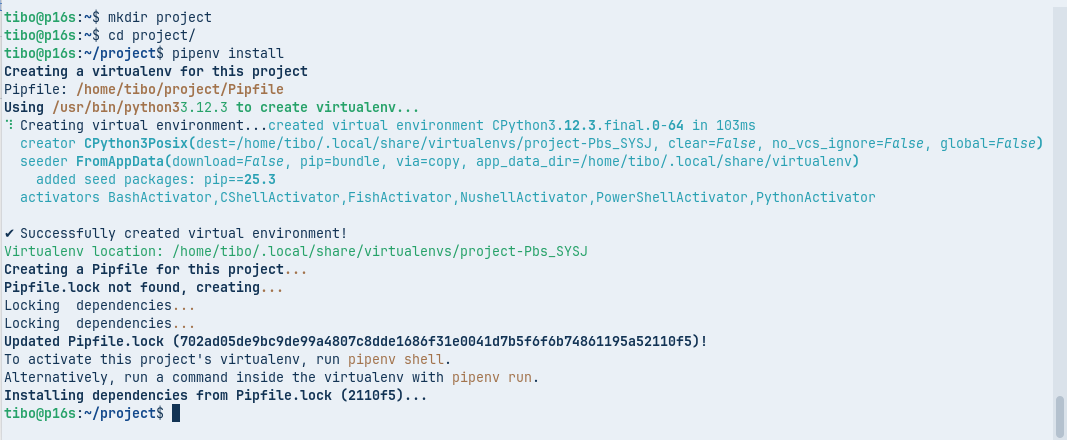
This will automatically create an environment for your project. You can now add required libraries, inside the environment:
pipenv install scapy
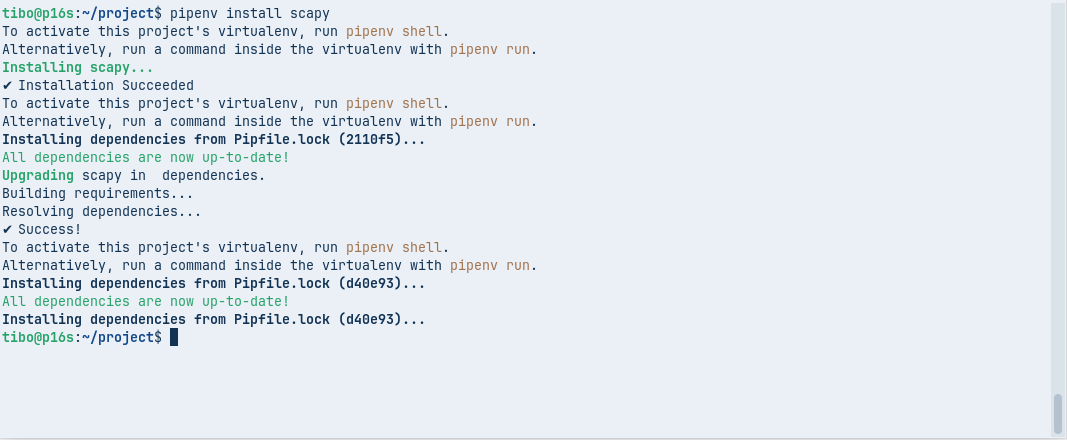
You can write your code as usual:
#
# main.py
#

from scapy.all import *

packet = IP(dst="8.8.8.8") / ICMP()
print(packet)
And you can run your application inside the environment with:
pipenv run python main.py
Or, you can activate the project environment (and thus with project libraries available) with:
pipenv shell
pipenv keeps track of required and installed packages in 2 files: Pipfile and Pipfile.lock. You can also convert this to a reguler requirements.txt (which you can use with pip) with:
pipenv requirements > requirements.txt

This blog post is licensed under
CC BY-SA 4.0


