Teaming up Ollama, gpt-oss and Zed to create a fully local code assistant
Tuesday 3 February 2026 Thibault Debatty 7462 views
https://cylab.be/blog/472/teaming-up-ollama-gpt-oss-and-zed-to-create-a-fully-local-code-assistant
As developers, we’re constantly looking for ways to boost our productivity and efficiency. One of the most exciting advancements in recent years is the emergence of AI-powered coding assistants. In this post, we’ll explore a powerful trio of tools that can revolutionize the way you write code, while keeping your code and data fully local: Ollama, gpt-oss, and Zed.
Install Ollama
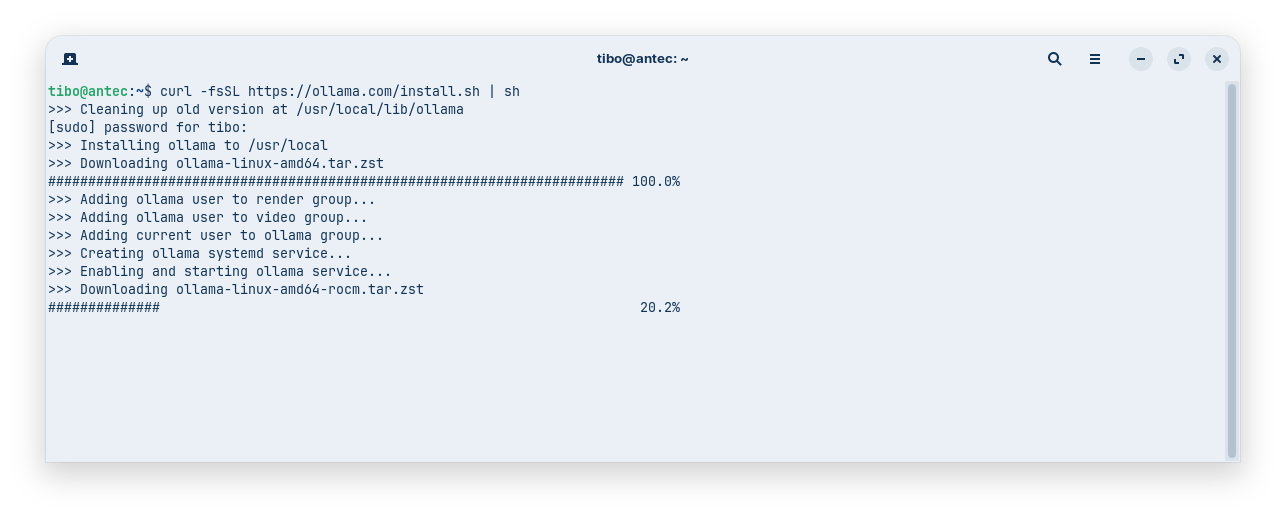
curl -fsSL https://ollama.com/install.sh | sh
https://cylab.be/blog/377/run-your-own-local-llm-with-ollama
Download gpt-oss
gpt-oss is OpenAI’s first open-source language model release since GPT-2, featuring two models: gpt-oss-120b and gpt-oss-20b. It is designed to implement reasoning, agentic tasks, code assistants etc.
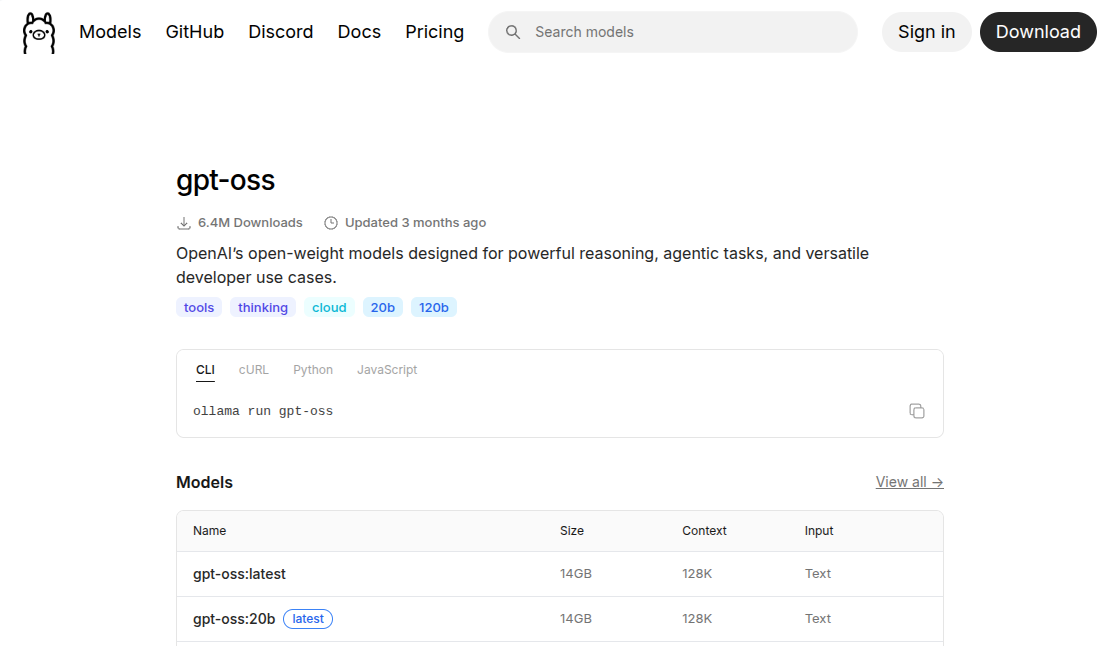
The models are post-trained with quantization such that most weights can be reduced to 4 bits per parameter. As a result the 20b version of the model weights roughly 14GB and is able to run on systems with as little as 16GB memory, while delivering performance comparable to OpenAI’s o3-mini.
ollama pull gpt-oss:20b
⚡ Tricks
You can list running models with
ollama ps
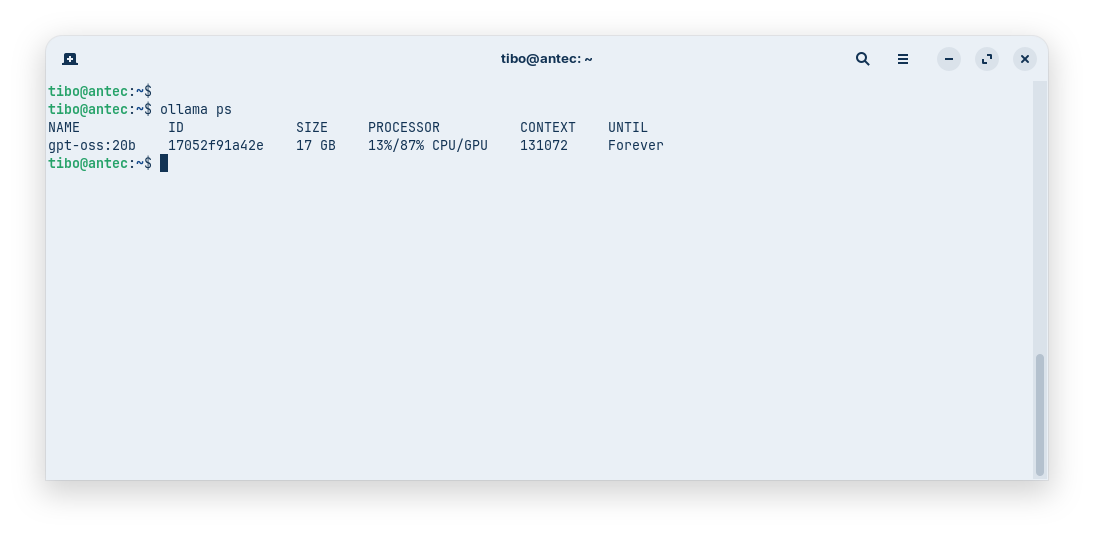
And you can stop a model (to free GPU vRAM) with
ollama stop <model>

# e.g.
ollama stop gpt-oss:20b
Install Zed
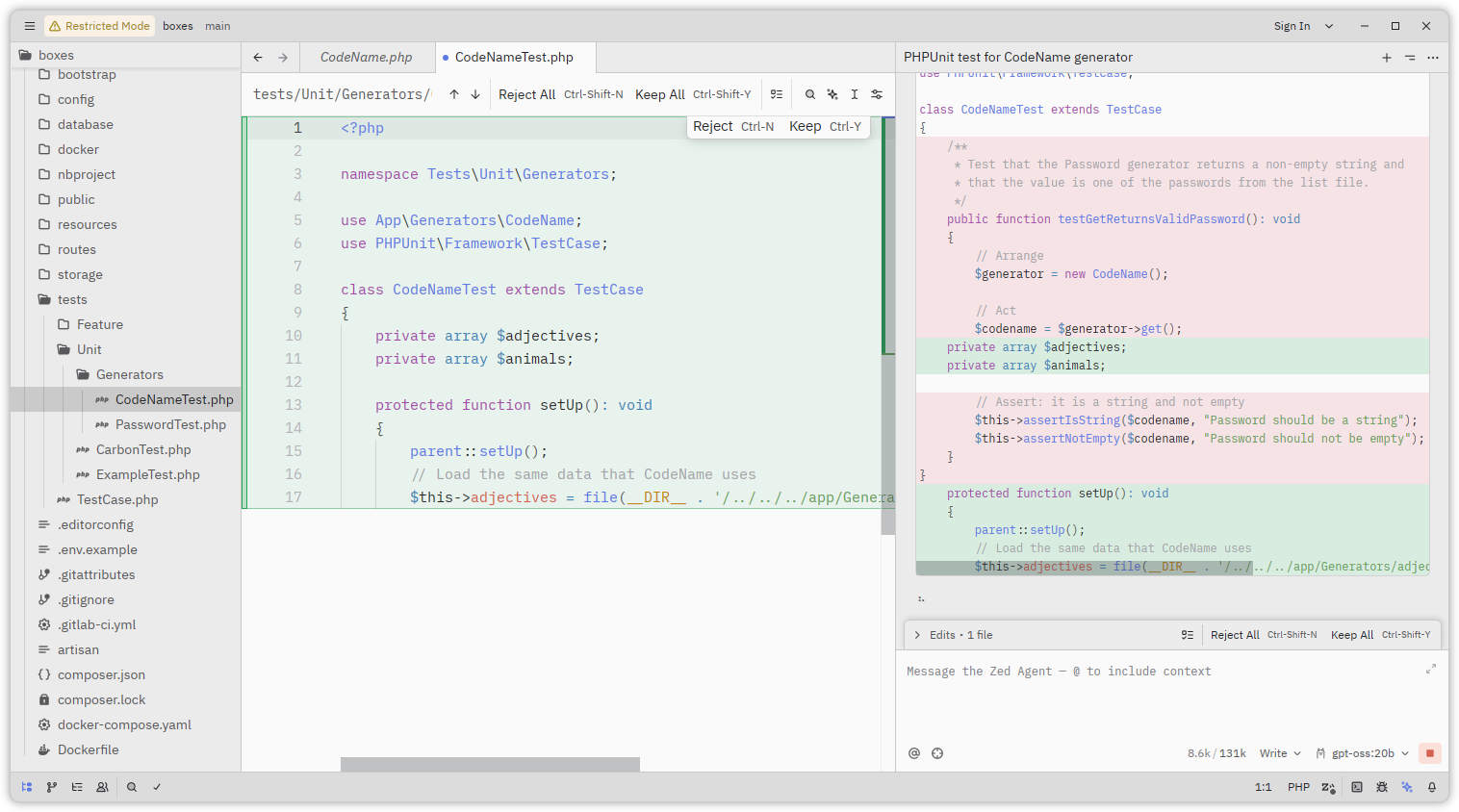
Zed is an IDE that was specifically developed to be light and fast, and to interact nicely with LLM and coding assistants.
You can install it with:
curl -f https://zed.dev/install.sh | sh
Once installed:
- open a code project (or create a new one)
- click the ⭐ at the bottom right to open the AI panel
- click on ‘Choose a model’, normally Ollama should be automatically detected and
gpt-ossshould appear in the list - start interacting with your code assistant
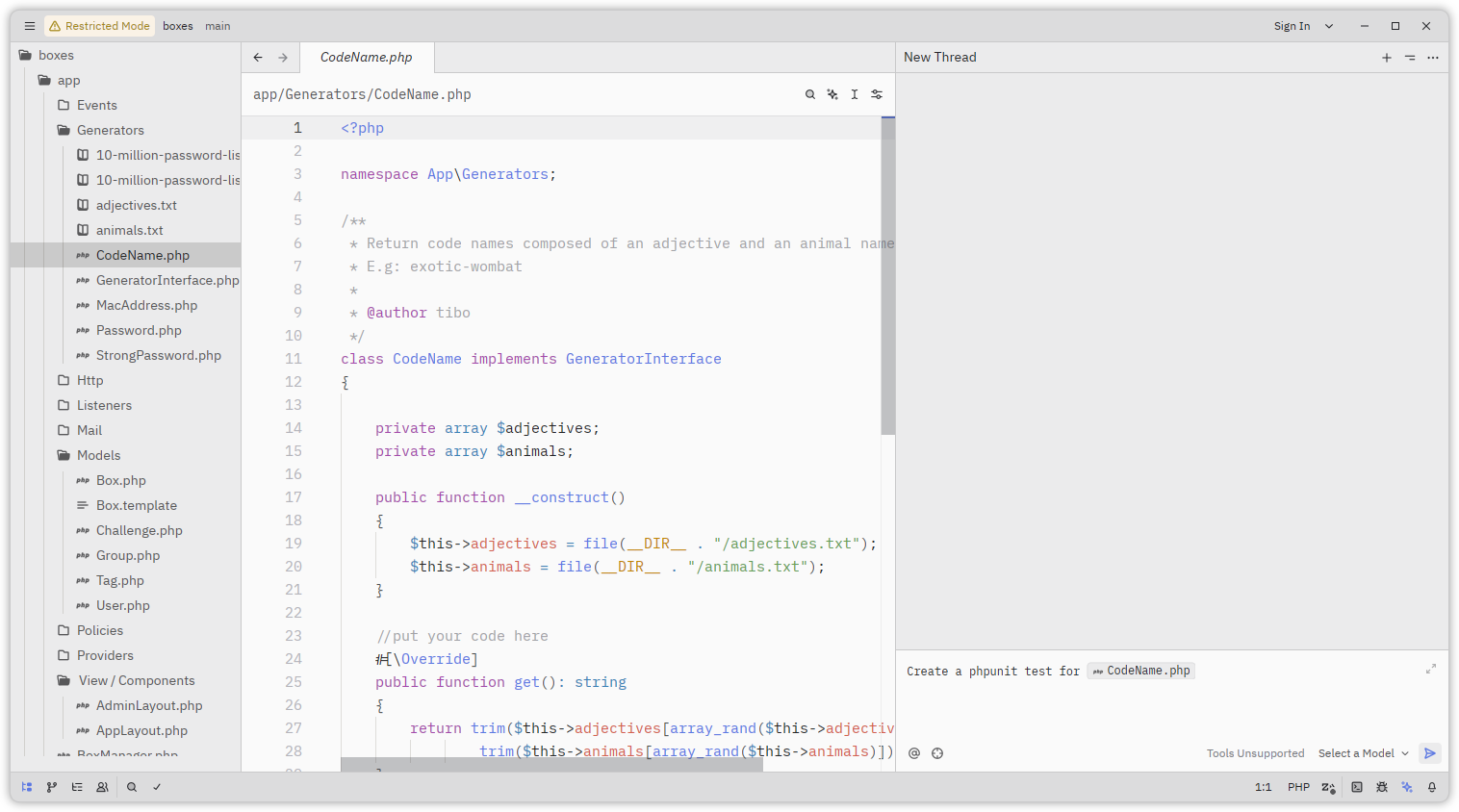
Until now I have successfully used the team Ollama, gpt-oss and zed to speed up tasks like:
- create models and database migrations
- write documentation
- create views with HTML, CSS and/or javascript
- write tests
⚡ Using Ollama on a remote device
Even though there is a config field called api_url in Zed’s configuration, Zed requires Ollama to be running locally to use it. This change was introduced in a recent update, and there is apparently no plan to revert this change.
To work around this, you can use SSH port forwarding to make a remote Ollama instance appear local:
ssh -L 11434:localhost:11434 user@remote-host
to forward the local Ollama port (11434) to the remote machine.
This blog post is licensed under
CC BY-SA 4.0


