Customize your bash prompt
Sunday 29 March 2026 Thibault Debatty 3212 views
When you open a terminal, your prompt will typically show something like username@hostname:~$. You can modify this…
The principle is simple: the prompt template is stored in the environment variable $PS1. Problem is the format is pretty cryptic and by default looks like this:
\[\e]0;\u@\h: \w\a\]${debian_chroot:+($debian_chroot)}\[\033[01;32m\]\u@\h\[\033[00m\]:\[\033[01;34m\]\w\[\033[00m\]\$
Here comes $ _ Bash Prompt Generator to the rescue!
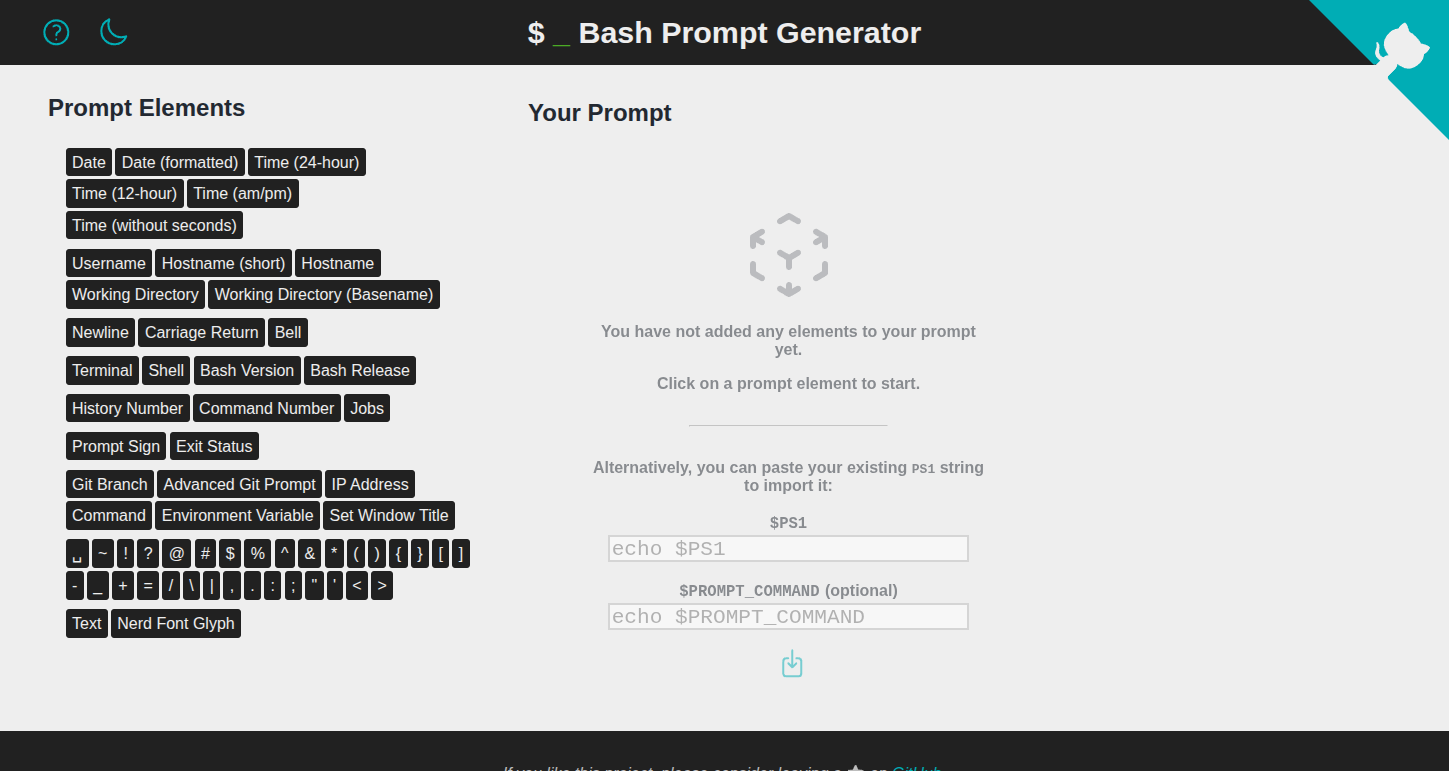
This web app helps you craft a customized $PS1 and bash prompt.
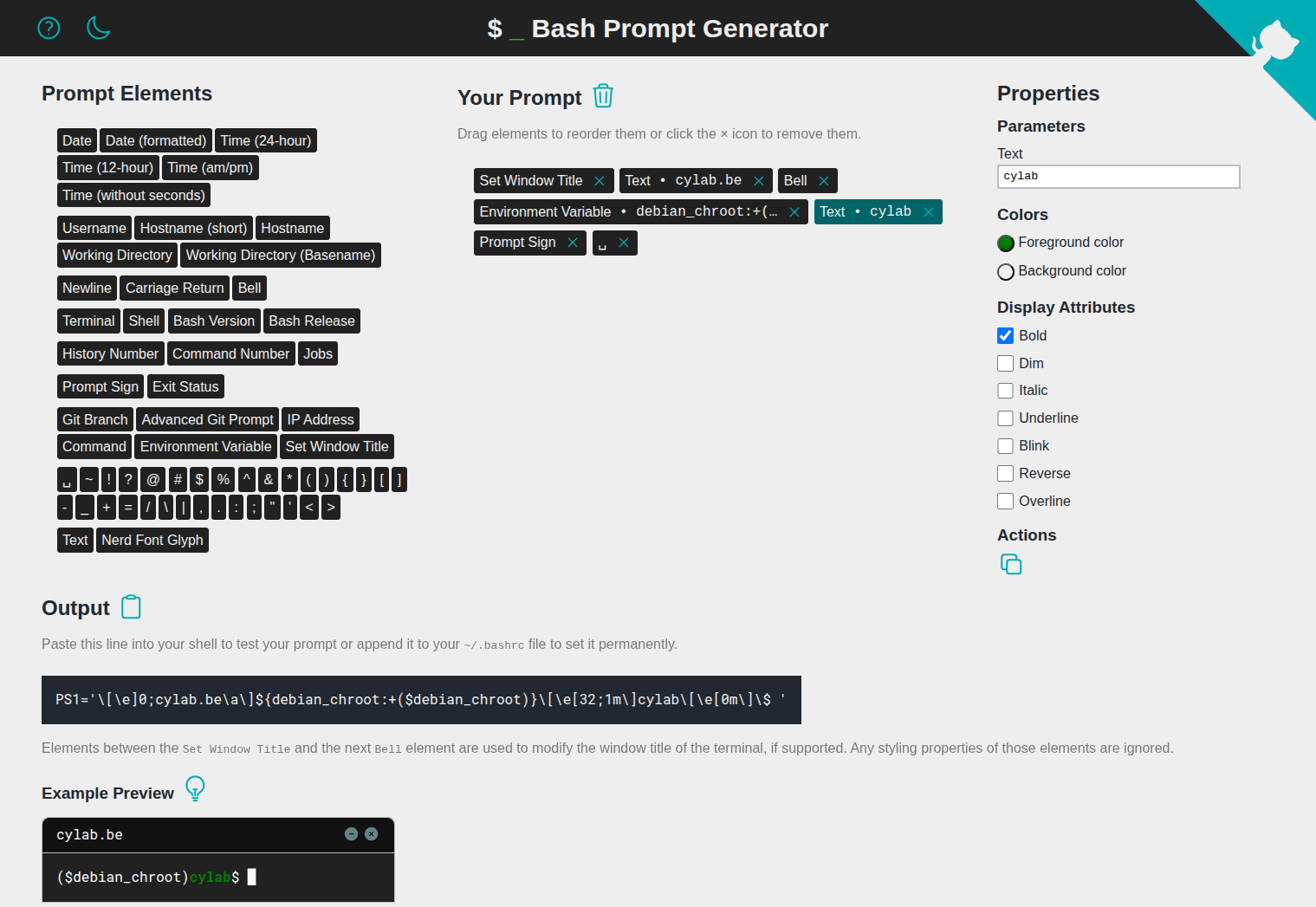
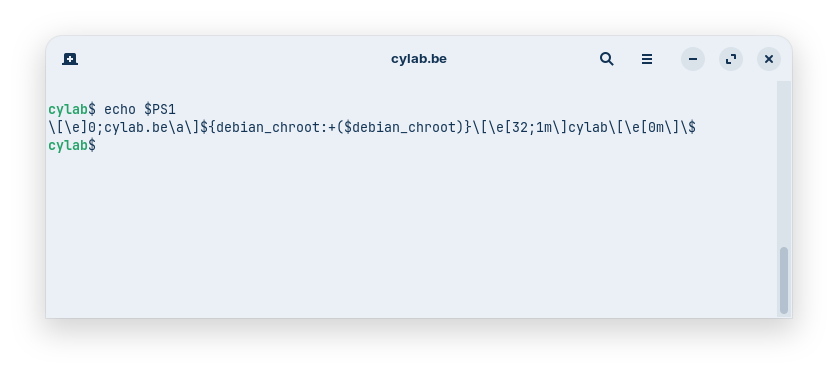
Aliases
Once you found a prompt that suits you, you can add aliases to ~/.bashrc to easily changes between prompts:
# Prompt customization
alias prompt-cylab="PS1='\[\e]0;cylab.be\a\]${debian_chroot:+($debian_chroot)}\[\e[32;1m\]cylab\[\e[0m\]\$ '"
alias prompt-restore="PS1='\[\e]0;\u@\h: \w\a\]${debian_chroot:+($debian_chroot)}\[\033[01;32m\]\u@\h\[\033[00m\]:\[\033[01;34m\]\w\[\033[00m\]\$ '"
Don’t forget to
source ~/.bashrc
And you can now easily switch between prompts…
This blog post is licensed under
CC BY-SA 4.0


