An open alternative to Claude Code : OpenCode and Open WebUI
Wednesday 19 August 2026 Thibault Debatty 1808 views
https://cylab.be/blog/514/an-open-alternative-to-claude-code-opencode-and-open-webui
Anthropic’s Claude Code, an agentic coding tool, has truly revolutionized development! However, it’s proprietary software, deeply integrated within Anthropic’s ecosystem. Fortunately, there’s an open-source alternative called opencode that you can pair with your own Open WebUI provider. Here’s how to do it…
Install OpenCode
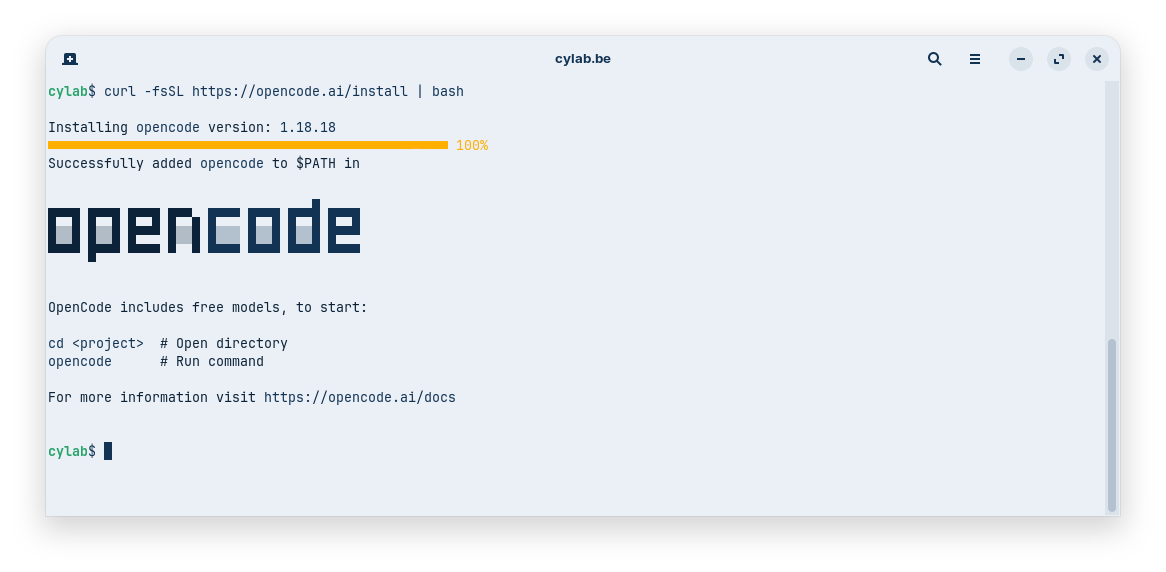
Install opencode:
curl -fsSL https://opencode.ai/install | bash
Then
source ~/.bashrc
Get your Open WebUI API key
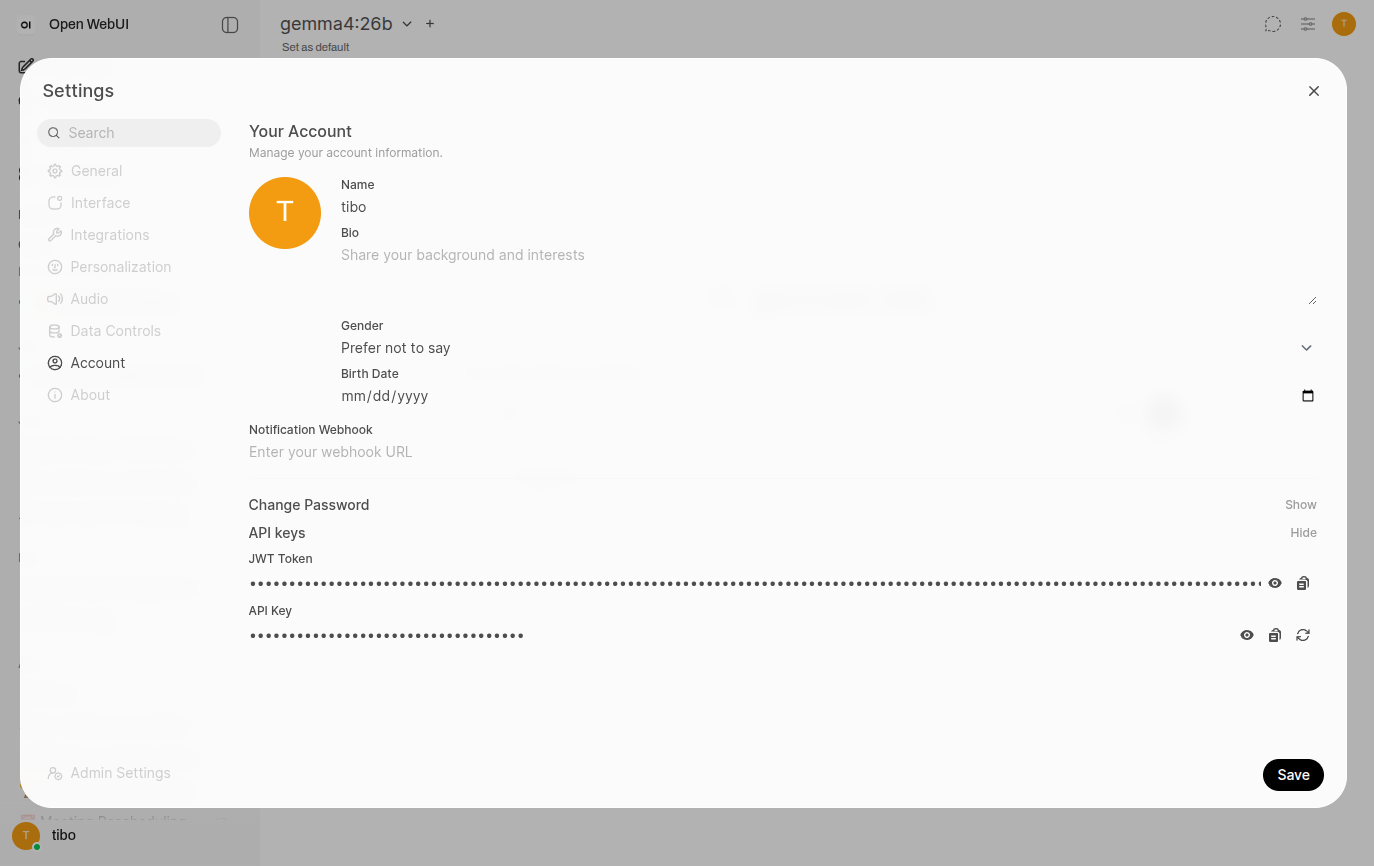
Connect to your Open WebUI instance and head to Settings > Account. At the bottom, click on Show next to the API keys section, and copy your API key.
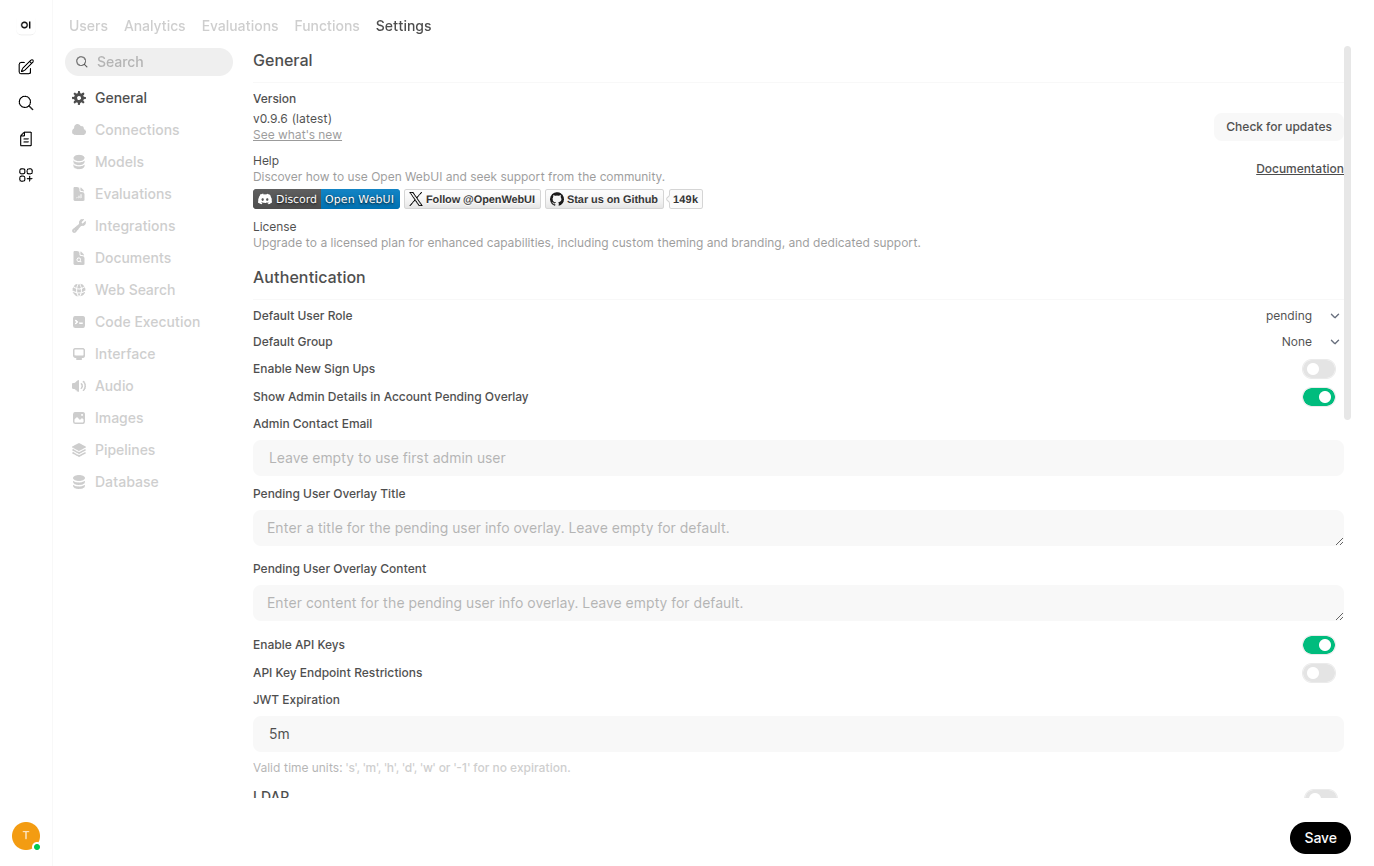
If you are the administrator of the instance, you can enable (or disable) API keys in Admin Settings > General
Configure OpenCode
Now edit your opencode configuration:
nano ~/.config/opencode/opencode.json
and add your Open WebUI provider. Don’t forget to change the baseURL and apiKey to match your instance. You must also manually list available models as OpenCode will not be able to automatically detect them…
{
  "$schema": "https://opencode.ai/config.json",
  "provider": {
    "openwebui": {
      "name": "Open WebUI",
      "npm" : "@ai-sdk/openai-compatible",
      "options": {
      	"baseURL": "https://your.openwebui.instance/api",
      	"apiKey": "sk-xxxxxxx"
      },
      "models": {
        "gemma4:26b" : {}
      }
    }
  },
}
https://opencode.ai/docs/providers/#custom-provider
First steps with Open Code
You can now start Open Code with
cd your-project
opencode
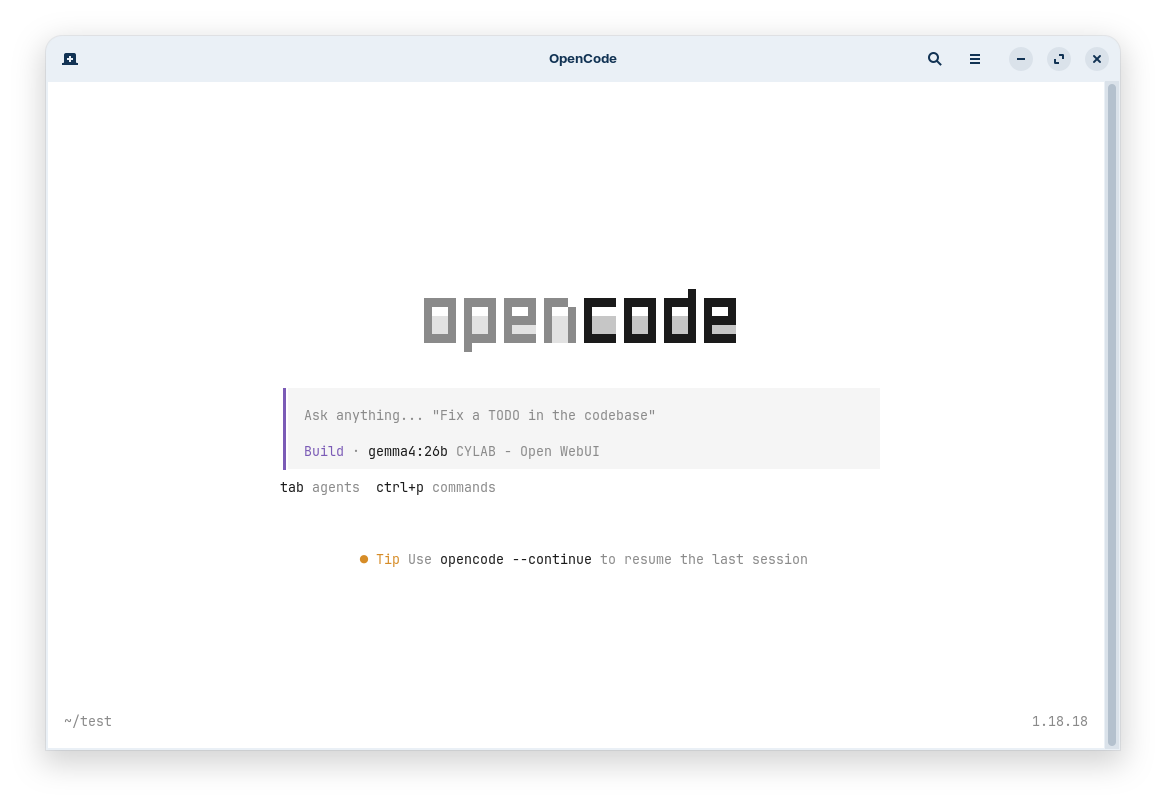
You can switch between models, including the models configured in your Open WebUI provider with /models.
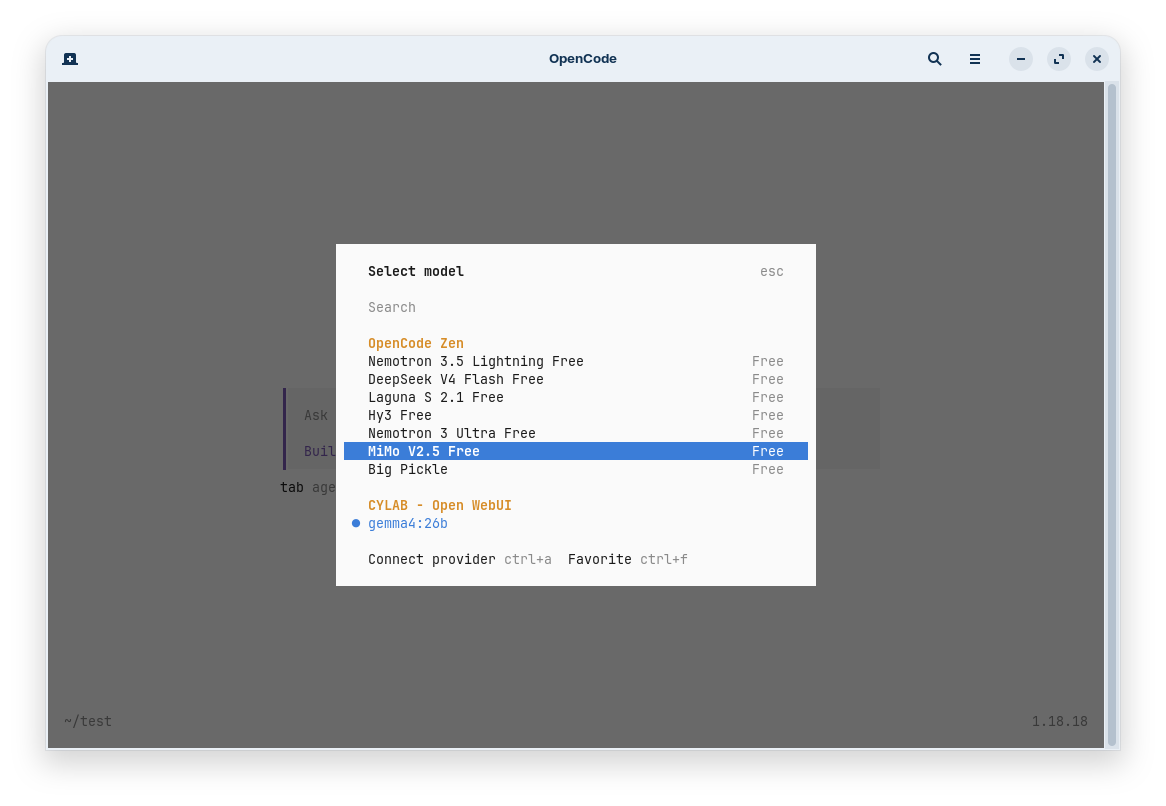
When opening a project for the first time, it’s a good idea to start with /init. Open Code will scan your project for language, stack etc. and create an appropriate AGENTS.md.
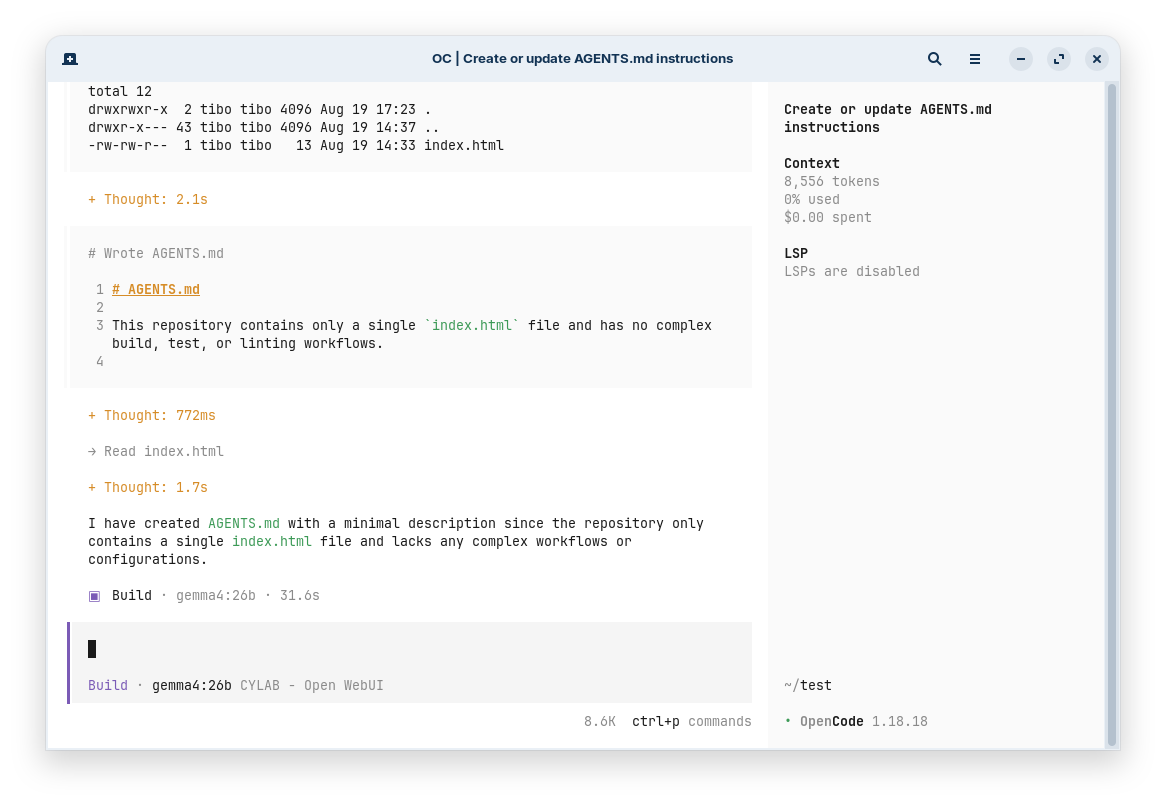
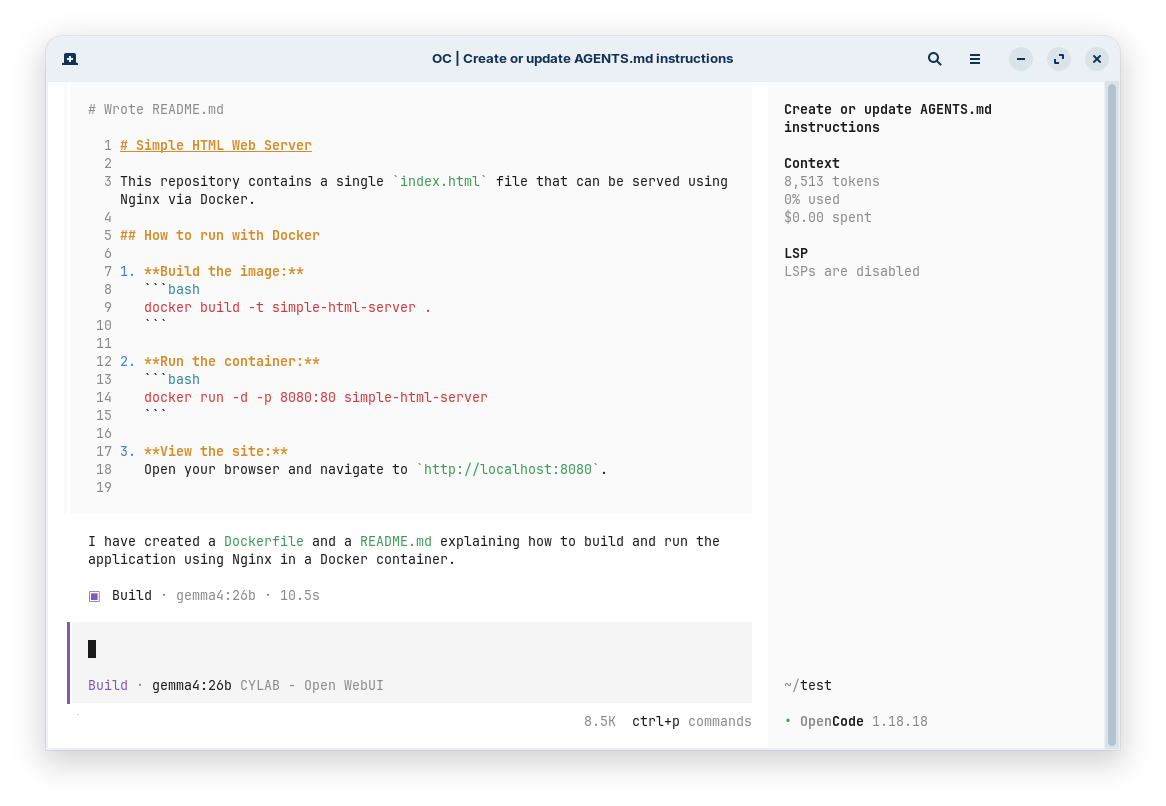
You can now continue to work with the help of your open coding assistant…
This blog post is licensed under
CC BY-SA 4.0


