Bridge the Knowledge Gap: Integrating Brave Search with Open WebUI
Sep 8, 2026 by Thibault Debatty | 126 views
https://cylab.be/blog/524/bridge-the-knowledge-gap-integrating-brave-search-with-open-webui
One of the most significant limitations of Large Language Models is their knowledge cutoff. While they are incredibly intelligent, they are essentially “frozen in time,” unable to provide information on events that occurred after their training ended.
However, by integrating a Search API into Open WebUI, you can implement Retrieval-Augmented Generation (RAG). This transforms your local LLM from a static knowledge base into a real-time research assistant capable of browsing the live web.
While running your own web indexer is a massive undertaking, using a provider like Brave Search is a lightweight, privacy-centric alternative. In this guide, I will show you how to configure Open WebUI to perform live web searches for much more accurate and up-to-date answers.
Brave web search
First, head to https://brave.com/search/api/ to create an account.
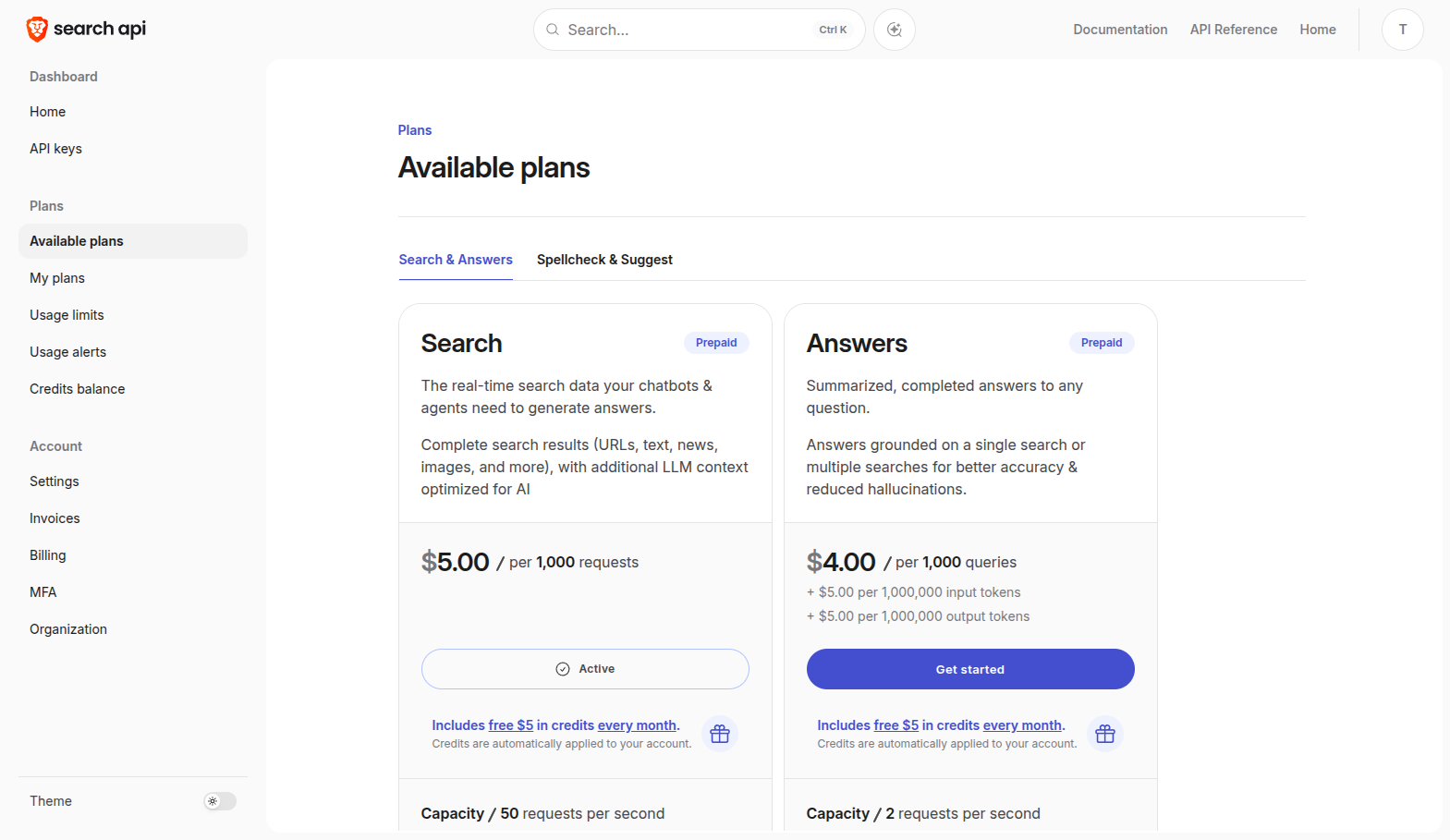
Next you will have to enable the search plan. Brave offers a free plan for up to 1000 requests per day, but you still have to provide your credit card details…
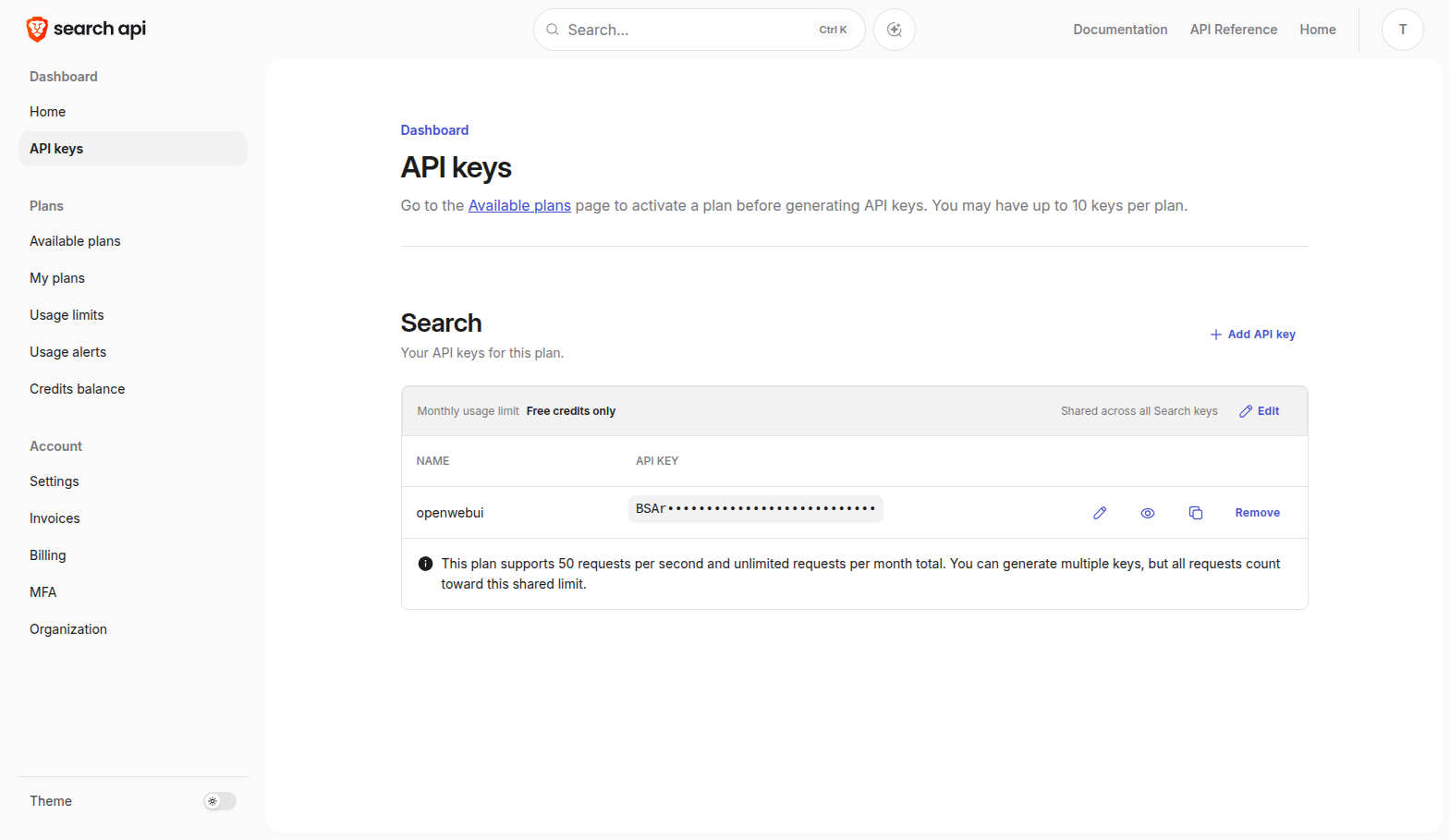
Finally, you can create an API key.
Open WebUI
With your API key ready, head over to your Open WebUI instance.
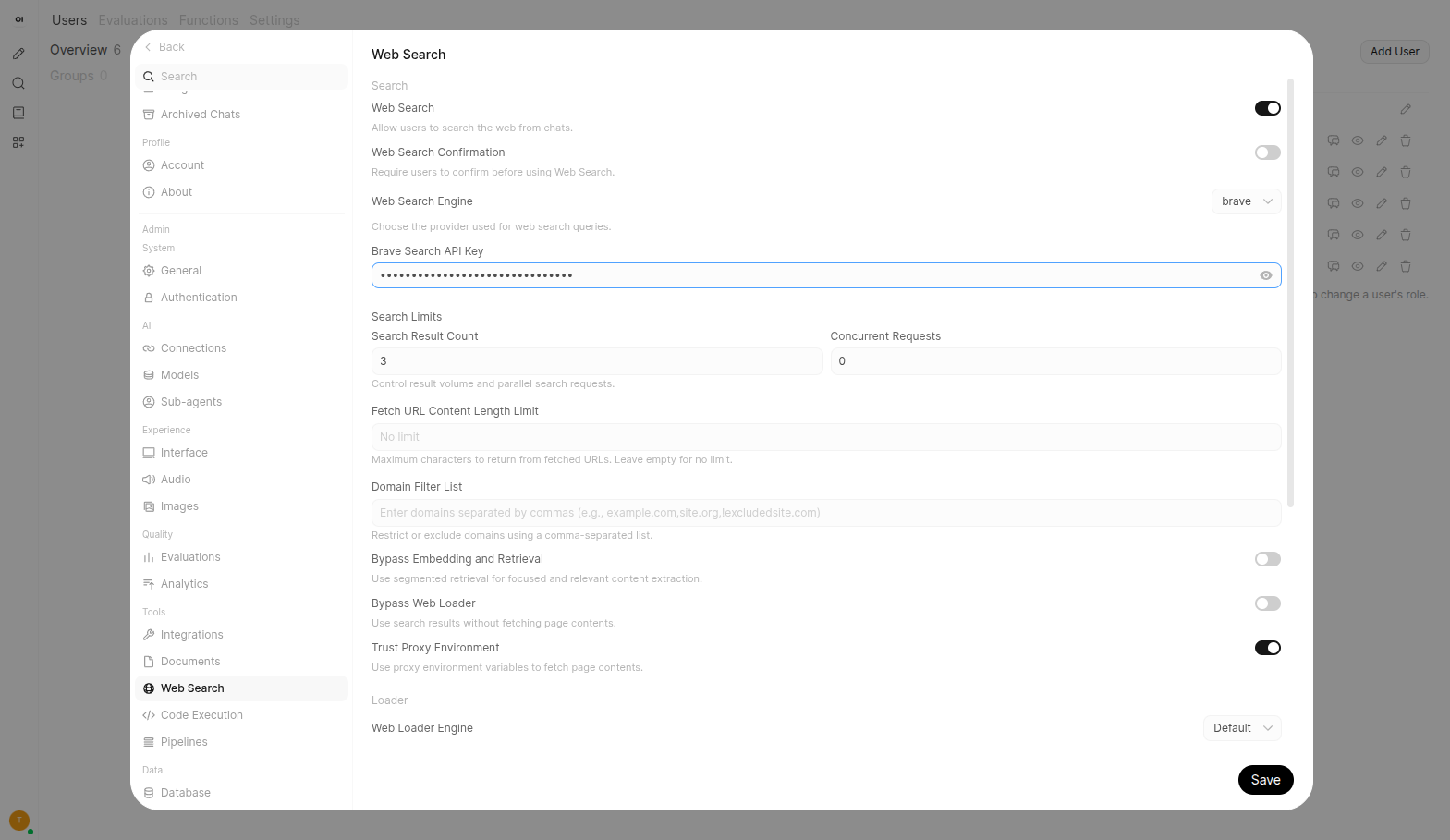
- Log in as an administrator and navigate to Admin Settings.
- Scroll down to the Web Search section.
- Toggle the Enable Web Search switch to ON.
- In the Web Search Engine dropdown, select
Brave. - Paste your API key into the provided field.
Testing
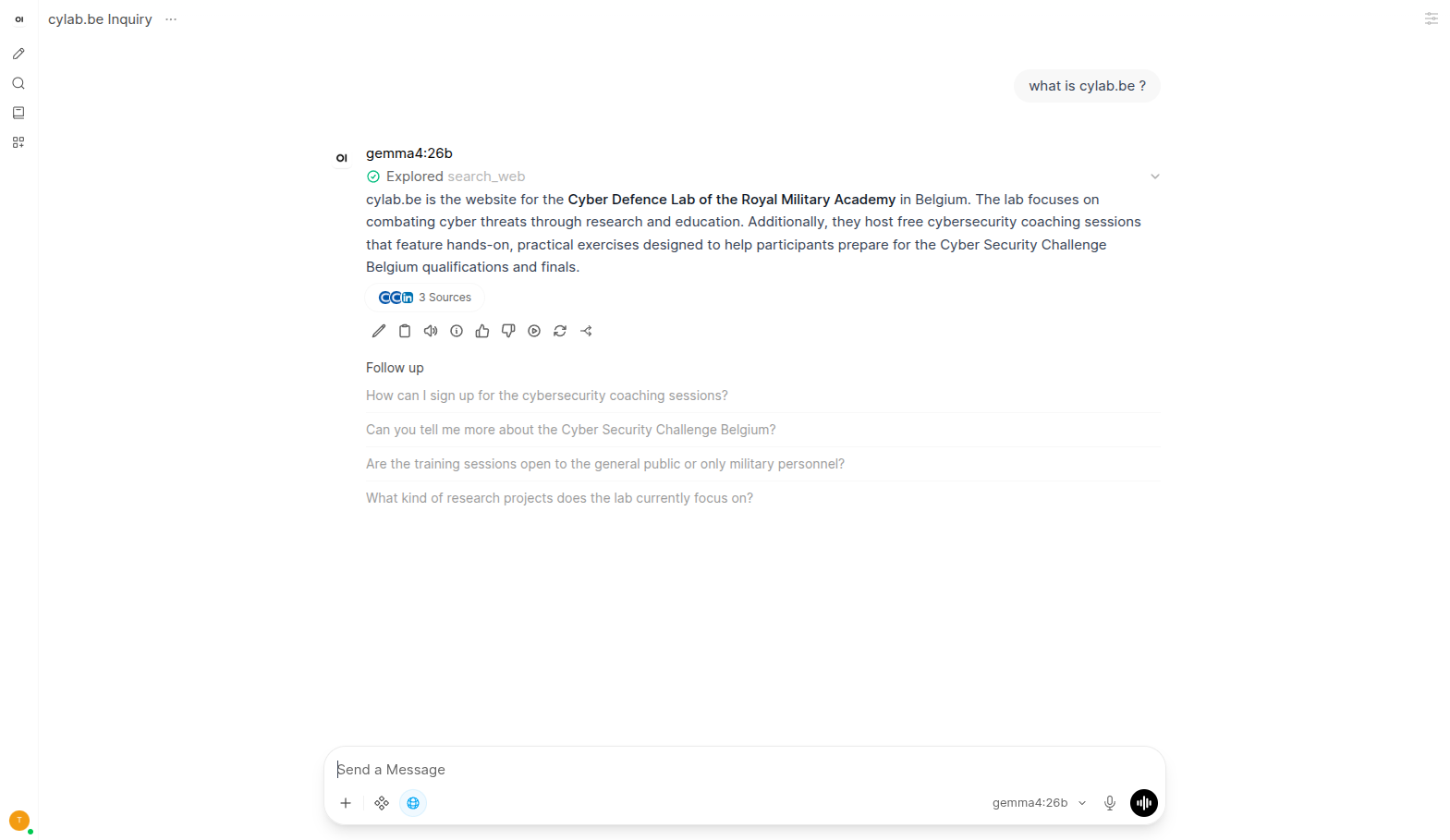
Now, in your Open WebUI chat, you can choose to enable web search by clicking on the compass icon.
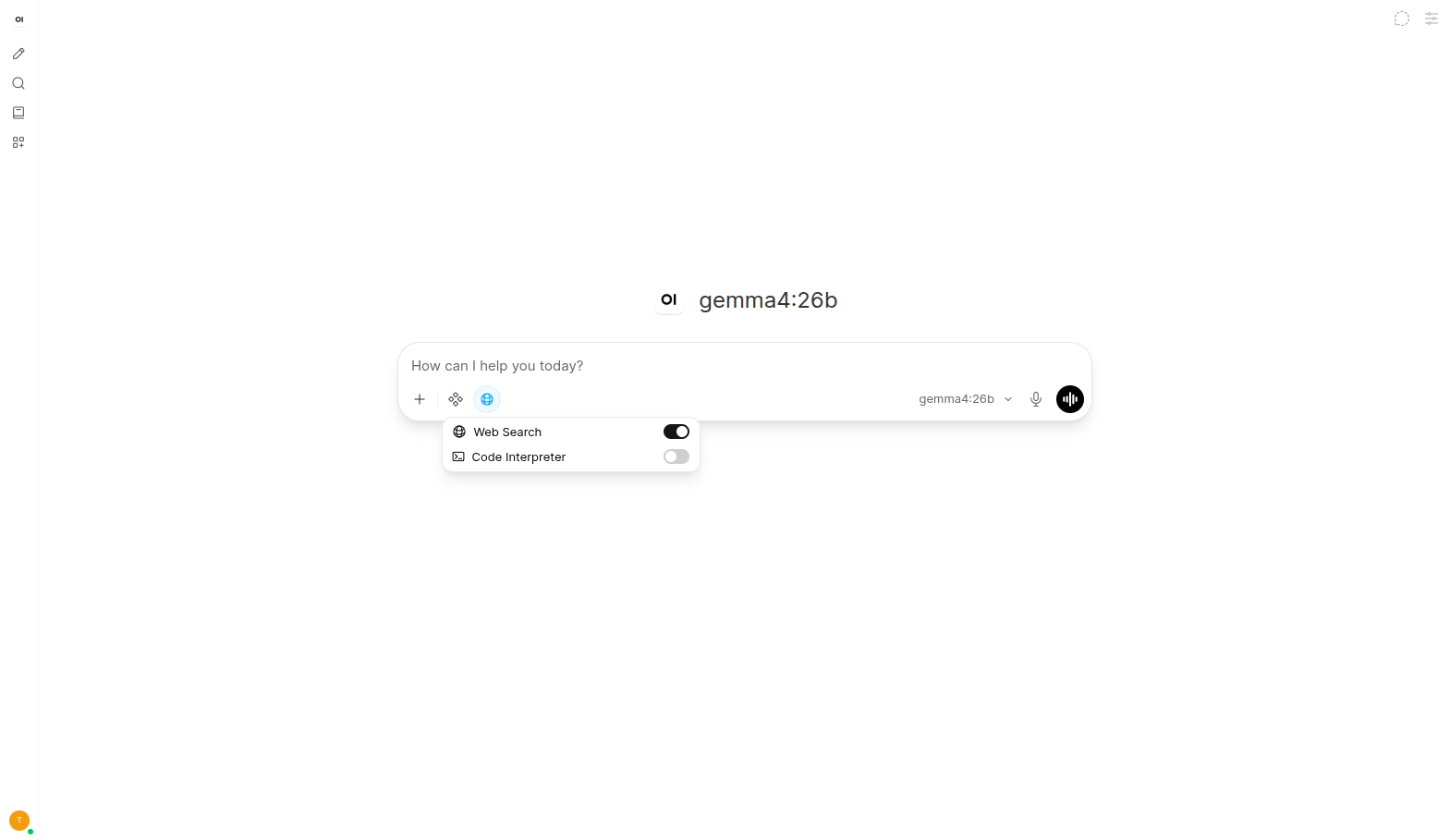
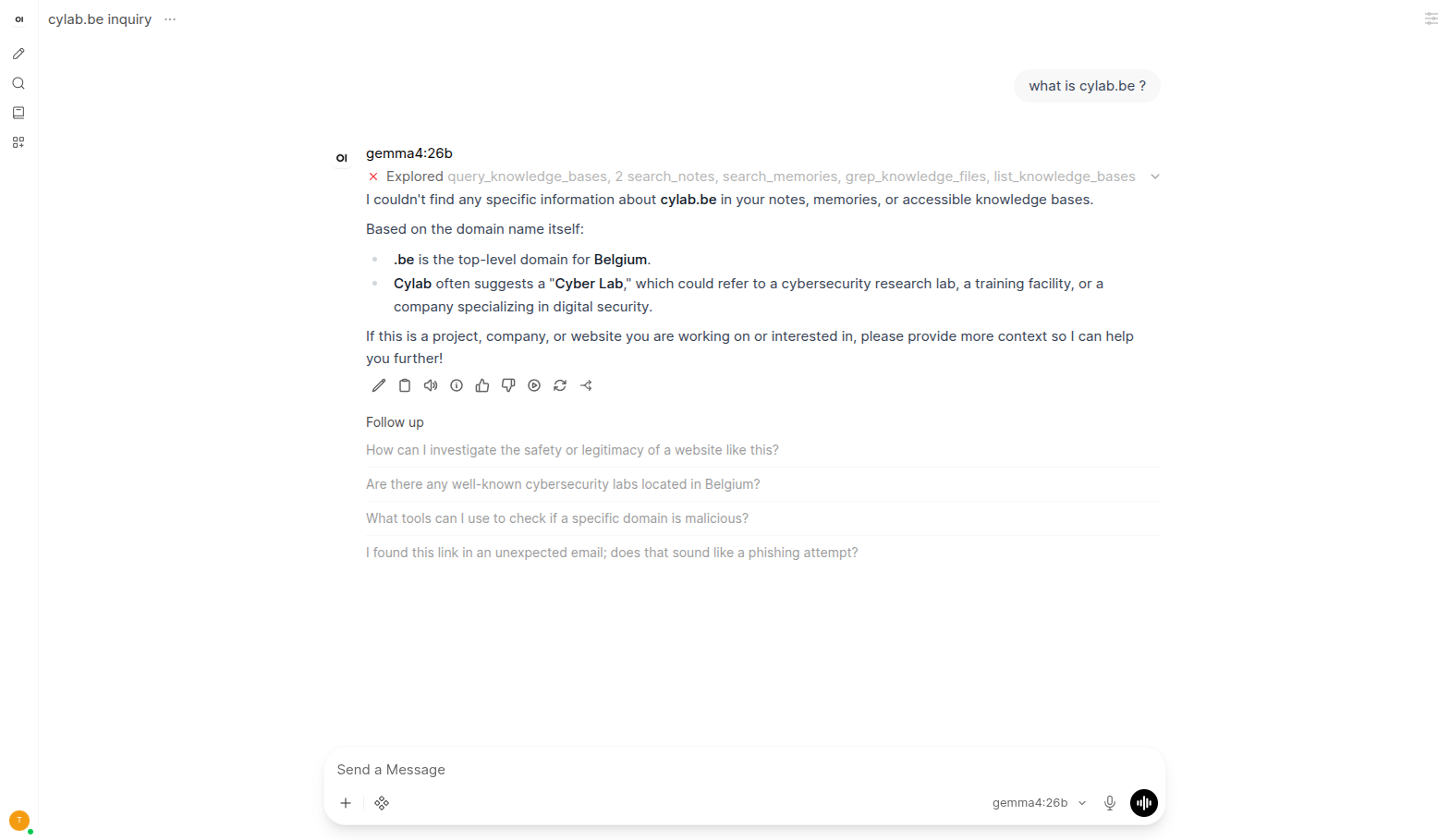
Open WebUI can now use web search results to improve answers, which can lead to much better results as illustrated below.
Without web search:
With web search:
This blog post is licensed under
CC BY-SA 4.0


