Privacy-First Coding: Using Claude Code with Self-Hosted Models via Open WebUI
Thursday 1 October 2026 Thibault Debatty 912 views
Claude Code is a powerful tool for terminal-based development, but for many developers, sending sensitive codebase information directly to Anthropic’s servers is a dealbreaker. What if you could enjoy the seamless CLI experience of Claude Code while keeping your data strictly within your own infrastructure?
Because Open WebUI provides an API compatible with the Anthropic format, you can reroute Claude Code to your own self-hosted models. In this guide, I’ll show you how to configure Claude Code to use Open WebUI as your LLM provider, giving you the best of both worlds: advanced coding automation and total data sovereignty.
Prerequisites
To follow along this blog post, you will need a working instance of Open WebUI running and accessible via network.
Get your Open WebUI API key
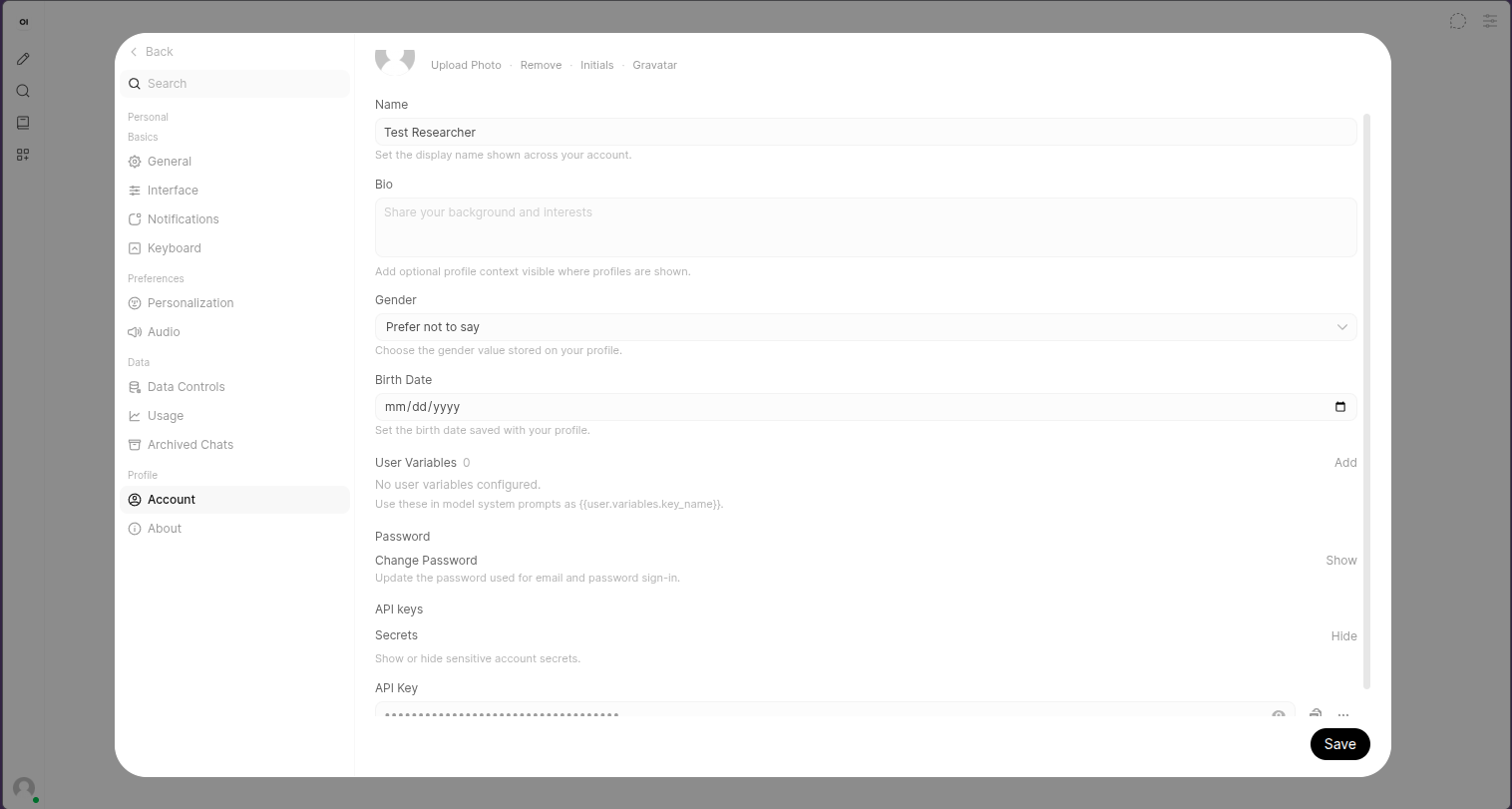
In Open WebUI, open the Settings page at the bottom left, then Account and finally scroll down to create or reveal your API key.
Install Claude Code
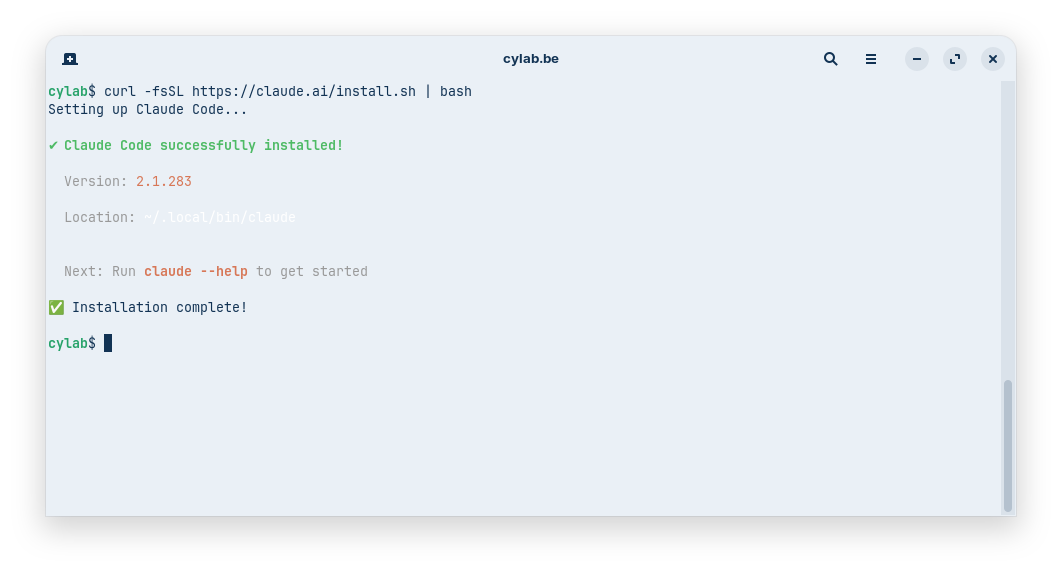
curl -fsSL https://claude.ai/install.sh | bash
Configure Claude Code
nano ~/.claude/settings.json
{
  "theme": "auto",
  "env": {
    "ANTHROPIC_BASE_URL": "https://your.openwebui.instance/api",
    "ANTHROPIC_AUTH_TOKEN": "sk-youropenwebuitoken"
  },
  "model": "gemma4:26b"
}
Important notes:
- the
ANTHROPIC_BASE_URLmust exactly match the URL of your instance, and end with/apiwithout trailing slash/ - the
modelmust exactly match the name of a reasoning model available on your Open WebUI instance
Test
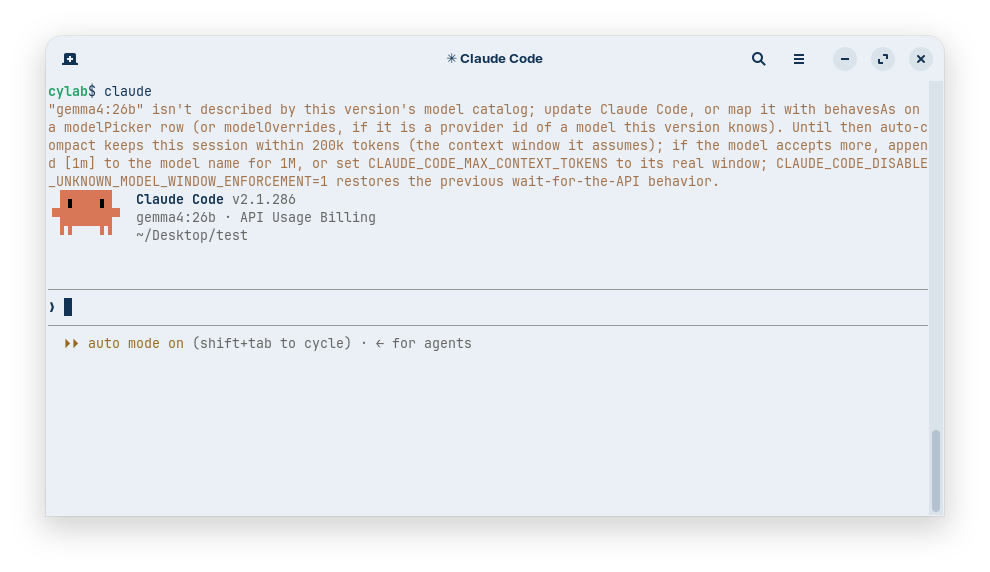
You can now test your claude setup.
Known caveat
You will probably be greeted with a welcome message stating that your model (gemma4:26b in the example) is not recognized, but it will not prevent claude to use your Open WebUI model.
References
- https://docs.openwebui.com/reference/api-endpoints/#-anthropic-messages-api
- https://github.com/shanraisshan/claude-code-best-practice/blob/main/best-practice/claude-settings.md#model-configuration
This blog post is licensed under
CC BY-SA 4.0


