Experimenting with AI driven pentesting : hexstrike
Wednesday 9 September 2026 Thibault Debatty 1553 views
https://cylab.be/blog/522/experimenting-with-ai-driven-pentesting-hexstrike
AI agents have recently made headlines for autonomously breaching several high-profile websites. Alongside proprietary and unreleased models, several open-source tools now offer AI-driven automated penetration testing, such as Hexstrike AI.
Hexstrike AI is actually a MCP server. According to the documentation is supports 127 tools for network scanning, web application vulnerability discovery and exploitation, forensics and more. It also features a decision engine that analyzes targets and selects optimal testing strategies, and a visual output of risk analysis. Notably, in August 2026, Hexstrike made headlines when it was reportedly utilized by cybercriminals to automate the exploitation of a Citrix vulnerability. In this post, we will analyze its operational mechanics and explore its potential applications for conducting authorized security assessments on your own infrastructure.

Installation
Hexstrike is best installed on a KALI machine, where most tools are already installed, or easy to add.
Tools
Let’s start by installiing additional tools that will be used by hexstrike. Some of these should be already installed, but I keep them for the sake of completeness:
# Network & reconnaissance
sudo apt install nmap masscan rustscan amass subfinder nuclei fierce dnsenum autorecon theharvester responder netexec enum4linux-ng


# Web Application Security
sudo apt install gobuster feroxbuster dirsearch ffuf dirb katana nikto sqlmap wpscan arjun paramspider wafw00f

# Password & authentication
sudo apt install hydra john hashcat medusa patator crackmapexec evil-winrm hash-identifier ophcrack

# Binary analysis & reverse engineering
sudo apt install gdb radare2 binwalk ghidra checksec  foremost steghide exiftool

# Cloud security
sudo apt install trivy
Hexstrike
Now let’s install hexstrike itself:
git clone https://github.com/0x4m4/hexstrike-ai.git
cd hexstrike-ai

# 2. Create and activate virtual environment
python3 -m venv hexstrike-env
source hexstrike-env/bin/activate

# 3. Install Python dependencies
pip3 install -r requirements.txt
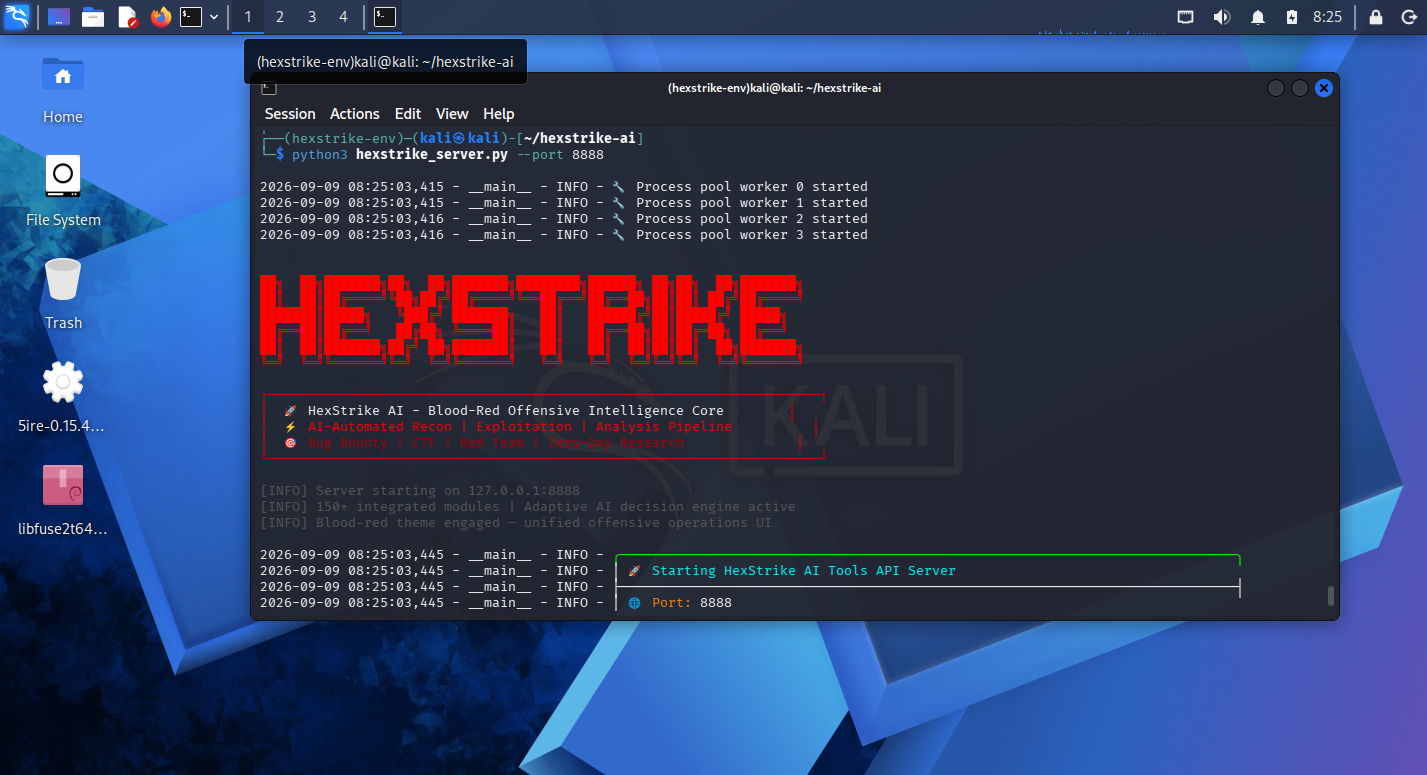
Start the server:
python3 hexstrike_server.py --port 8888
In another terminal, test your installation:
curl -s http://localhost:8888/health | jq
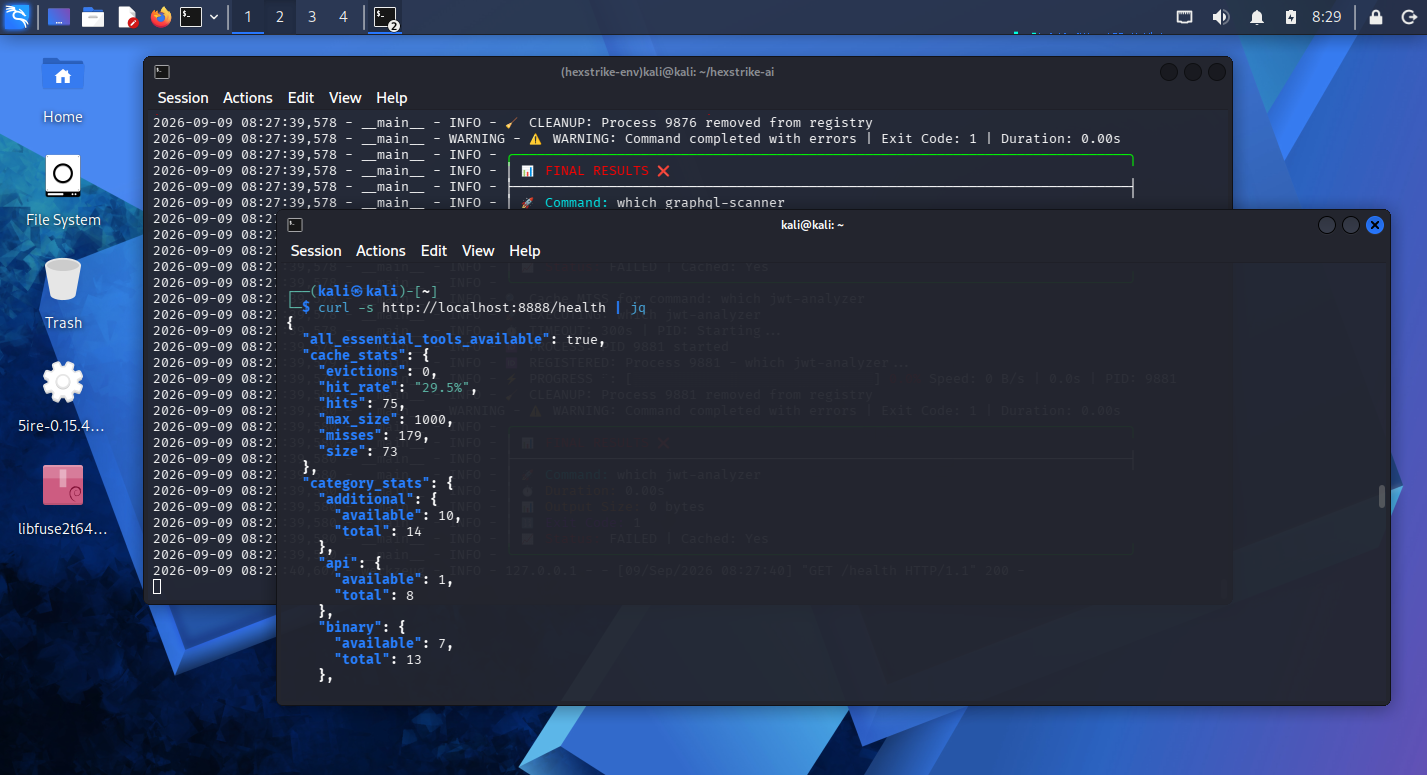
On my KALI machine I found 73 tools were available…
5ire desktop client
Hexstrike is a MCP server which means you will need a MCP client application to provide a GUI and connect together your LLM and the MCP server. Hexstrike is compatible with most current MCP agents like Claude Desktop, Cursor, Zed and VS Code with Copilot. For this blog post I will use 5ire.
Download the latest release from https://5ire.app/. Then run it with
chmod +x 5ire-0.15.4-x86_64.AppImage
./5ire-0.15.4-x86_64.AppImage
libfuse2 error dlopen(): error loading libfuse.so.2
Kali Linux no longer includes the libfuse2 package in its default repository, as it uses libfuse3-4. However, libfuse2 can be installed safely alongside libfuse3 by manually downloading the Debian package:
wget https://ftp.debian.org/debian/pool/main/f/fuse/libfuse2t64_2.9.9-9+b2_amd64.deb
sudo apt install ./libfuse2t64_2.9.9-9+b2_amd64.deb
Once the GUI has fired 🔥 open Workspace → Providers and configure the LLM of your choice.
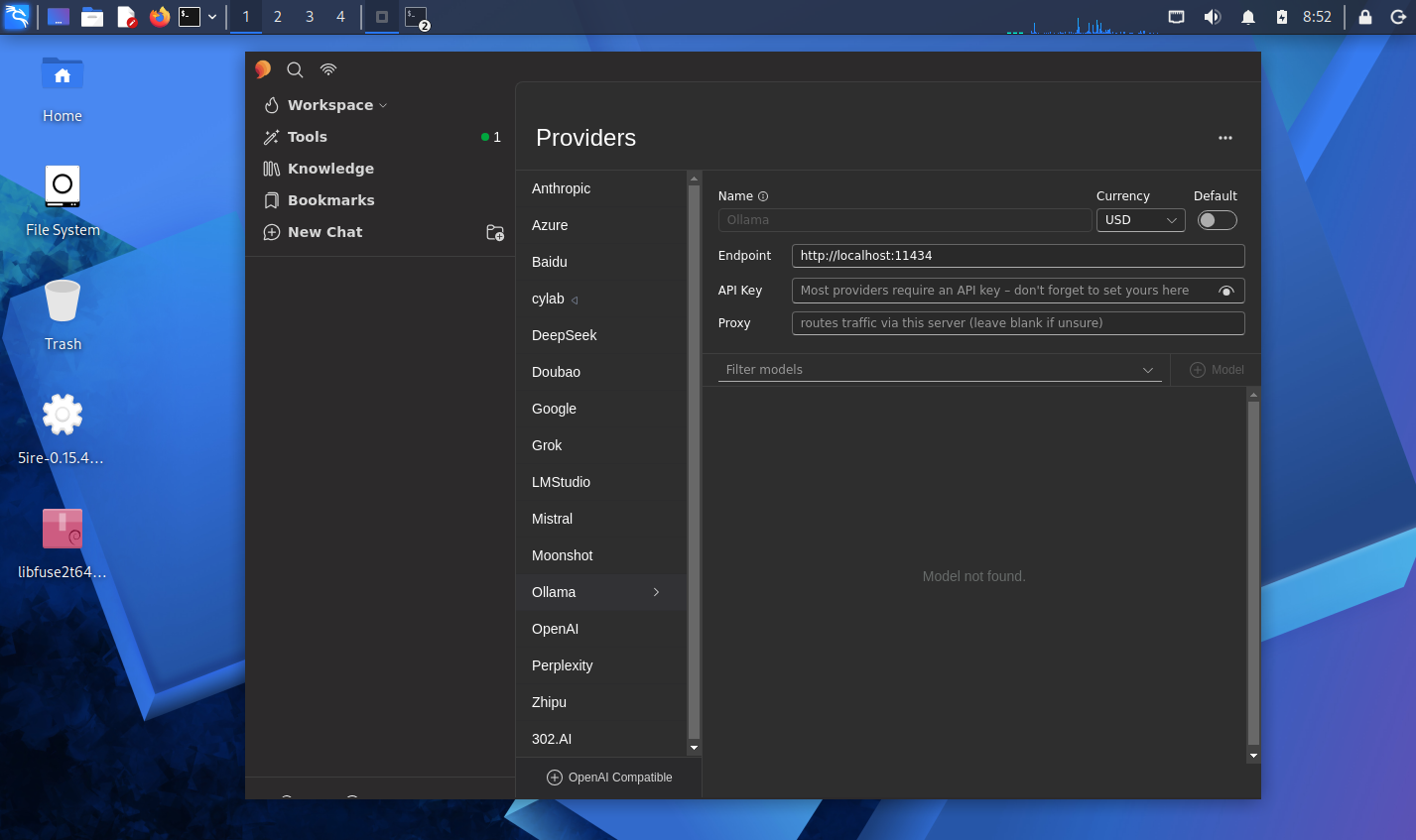
The, in tools, add a Local tool with the following command:
/home/kali/hexstrike-ai/hexstrike-env/bin/python3 /home/kali/hexstrike-ai/hexstrike_mcp.py --server http://127.0.0.1:8888
(Pen)testing
You can now ask your LLM to perform a pentest for you.
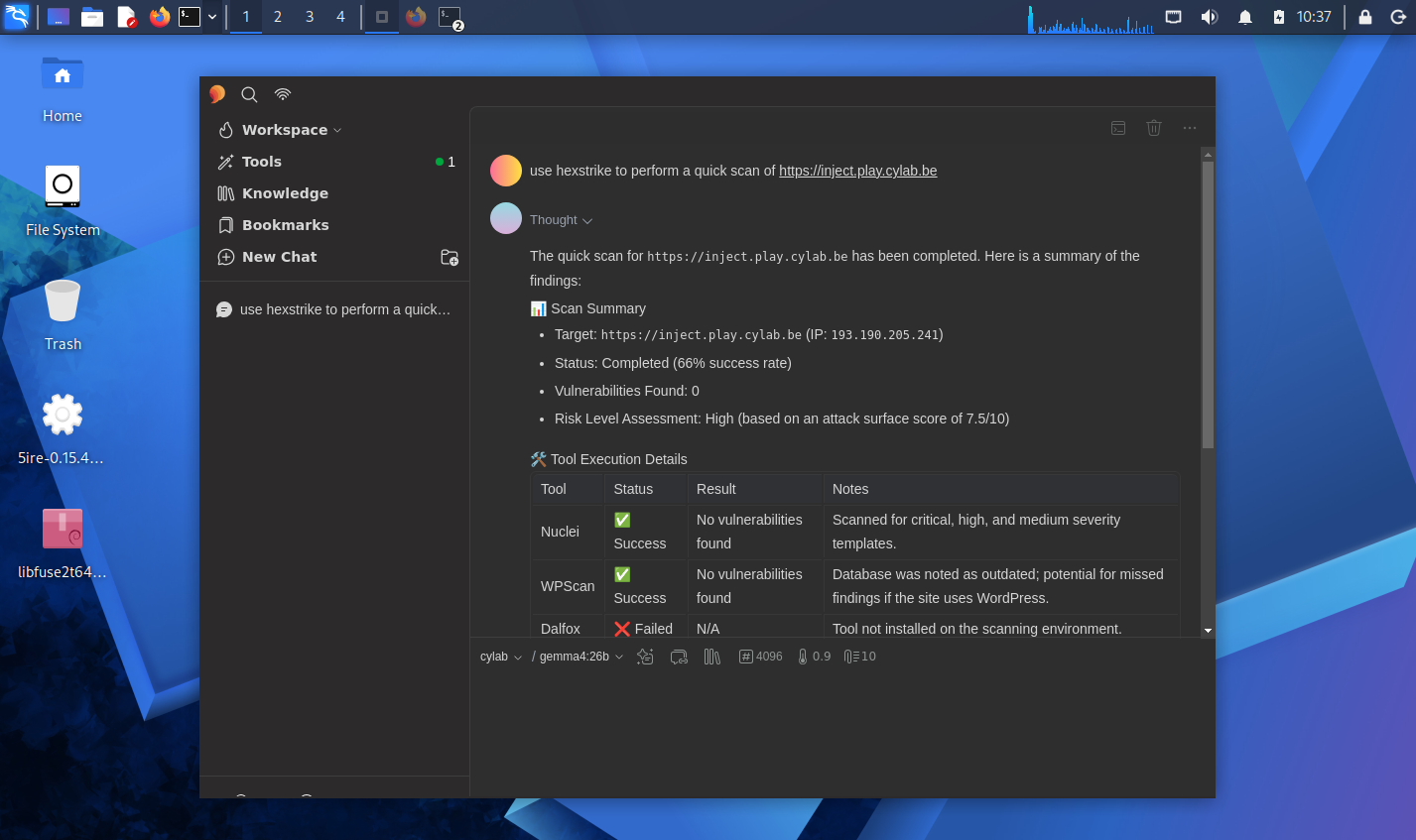
During my experiences, the results were … inconclusive:
- for some tools (like
httpx), hexstrike was not using the correct command arguments which led to a complete fail
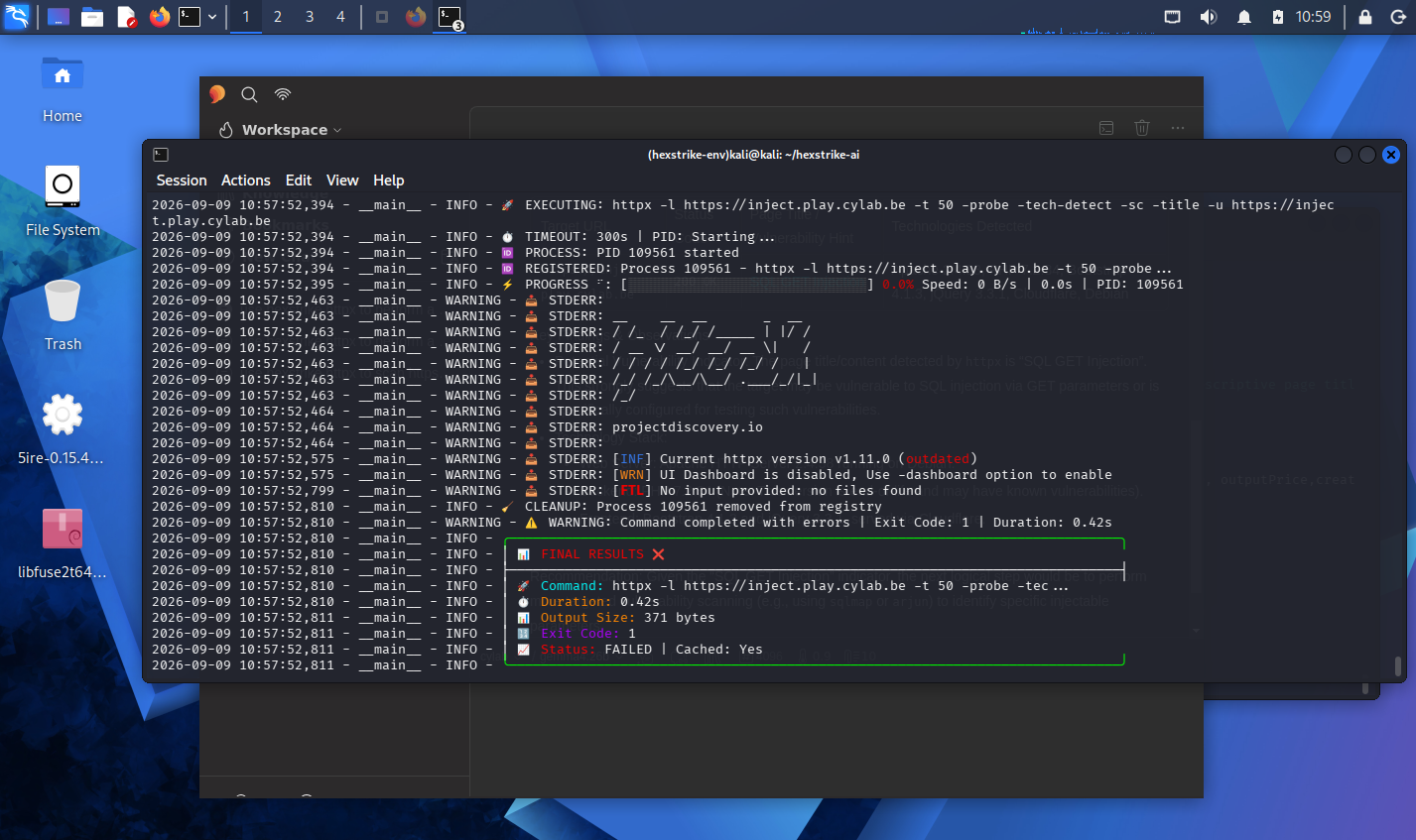
- for some other tools, command arguments were also wrong, with the consequence that I was scanning something completely out of scope…
- some tools caused a simple timeout
- and finally, for web applications larger than a simple toy example which required a longer testing, the client (
5ire) was hanging with a timeout…
I had a look at the issue list which seems full with unhanded open tickets, and the last code related commit dates from 20 September 2025 (one year ago).
<TL; DR> Hexstrike AI is an ambitious attempt to bring autonomous intelligence to the pentesting workflow. The integration of 127+ tools via MCP is technically impressive, but the current lack of maintenance and high error rate in command execution makes it unreliable for professional use. Until the underlying decision engine can reliably handle complex tool syntax and scope management, Hexstrike remains a powerful academic curiosity rather than a functional security instrument.
References
- https://github.com/0x4m4/hexstrike-ai
- https://www.wired.com/story/security-news-this-week-openai-agents-hacked-another-website/
- https://www.bbc.com/news/articles/ckg725z5kgzo
- https://www.abc.net.au/news/2026-08-10/ai-assistant-hacks-gym-website-aus-cyber-attack/107007986
- https://thehackernews.com/2025/09/threat-actors-weaponize-hexstrike-ai-to.html
- https://5ire.app/
This blog post is licensed under
CC BY-SA 4.0


